Add to Compare
Add to Compare
Add to Compare
Compare Canvas LMS vs MySkill
Overall Rating
9
0
8
0
8
0
9
0
Specifications
Pros and Cons
Pros
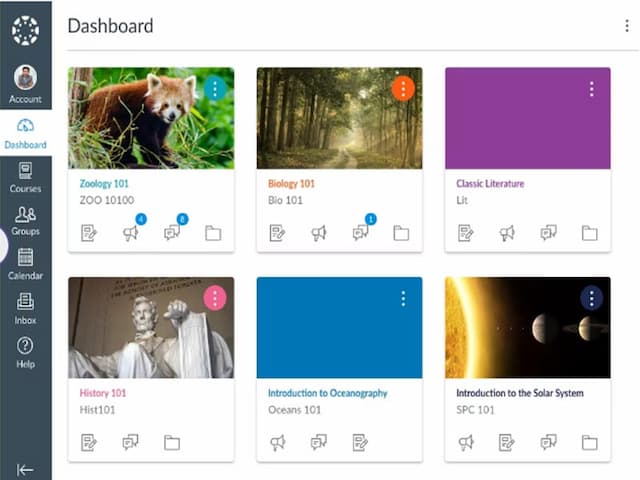
Easy to use interface for both instructors and students
Provides analytics and reports on course and student data
Customizable course layouts for personalized learning experiences
Mobile-friendly design for convenient access to course materials on any device
Free version available for students and teachers
Supportive coworkers and lead, especially for technical teams
Skills can develop and improve through structured programs
Recommend for people seeking knowledge and practical experience
Growth potential and availability for remote work options
Unlimited training for employees to enhance professional skills
Cons
Limited customization options for a few advanced features
Dependency on stable internet connection for accessing course materials
High workload due to small, multi-responsibility teams
Internship program requires payment, lacks financial allowances