Add to Compare
Add to Compare
Add to Compare
Compare Canvas LMS vs Opus Training
Overall Rating
9
0
8
0
8
0
9
0
Specifications
Pros and Cons
Pros
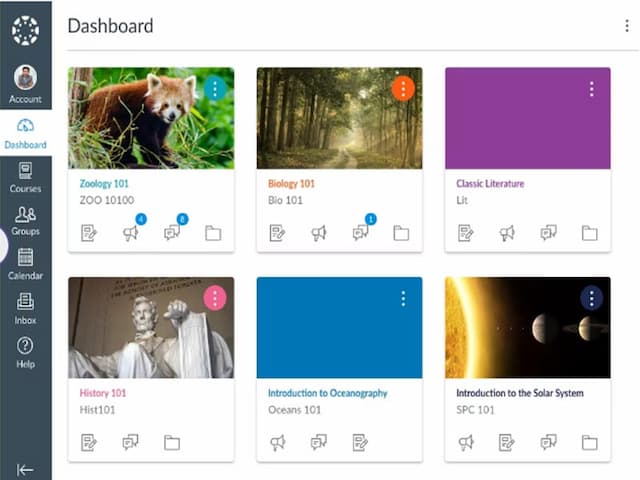
Easy to use interface for both instructors and students
Provides analytics and reports on course and student data
Customizable course layouts for personalized learning experiences
Mobile-friendly design for convenient access to course materials on any device
Free version available for students and teachers
Employees can complete training at their own pace and on their own schedule
Quizzes, videos, and interactive modules make learning engaging and enjoyable
Training modules can be customized to match each brand’s values, tone, and procedures
Customer support is responsive, helpful, and quick to resolve issues
Cons
Limited customization options for a few advanced features
Dependency on stable internet connection for accessing course materials
A date feature is missing from the reporting function
The platform’s mobile-first design can be challenging in workplaces where phones are restricted