Add to Compare
Add to Compare
Add to Compare
Compare Jotform vs Equivant
Overall Rating
9
0
10
0
10
0
10
0
Specifications
Pros and Cons
Pros
Improved back-end features and reporting functions
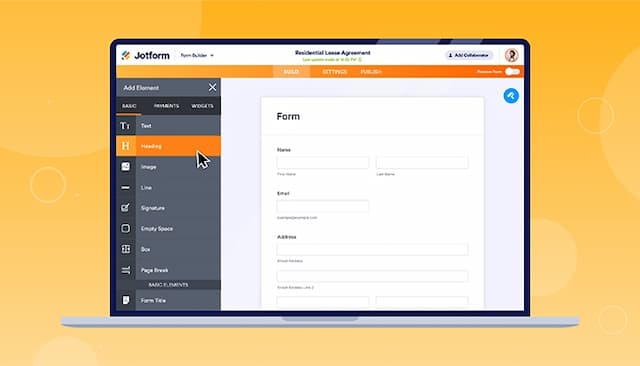
Easy-to-use form creator with customization and image upload options
Streamlines processes with digital forms and PDF reports
Offers seamless integration with popular platforms
Solutions are highly configurable, adapting to agency-specific needs
Customer support is responsive, knowledgeable, and readily available
Comprehensive suite covers the justice process from incident to out
Cons
Hard to read and fill out forms on mobile due to screen cutoff
Outdated verification process can result in data loss if locked out
Customization may demand significant effort for unique workflows
Heavy reliance on cloud infrastructure needs a stable internet connection