Add to Compare
Add to Compare
Add to Compare
Compare Jotform vs OMNITRACKER
Overall Rating
9
0
10
0
10
0
10
0
Specifications
Pros and Cons
Pros
Improved back-end features and reporting functions
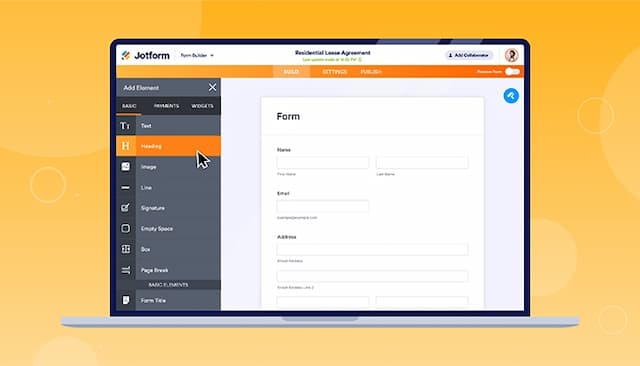
Easy-to-use form creator with customization and image upload options
Streamlines processes with digital forms and PDF reports
Offers seamless integration with popular platforms
Easy to configure and highly flexible for developers, supporting scripting and customizations
Automatic notifications for new actions and quick reporting of open or overdue tasks
Supports integration with SAP and other internal systems for enhanced workflow
Efficient process handling, including complaint management and 8D reporting
Cons
Hard to read and fill out forms on mobile due to screen cutoff
Outdated verification process can result in data loss if locked out
Some features are not intuitive, such as workflows combining requests and activities
Email processing can be slow for large volumes, and integration may require scripting