Add to Compare
Add to Compare
Add to Compare
Compare Smokeball vs Document Crunch
Overall Rating
Ease of Use
9
0
Customer Support
10
0
Value for Money
9
0
Functionality
9
0
Specifications
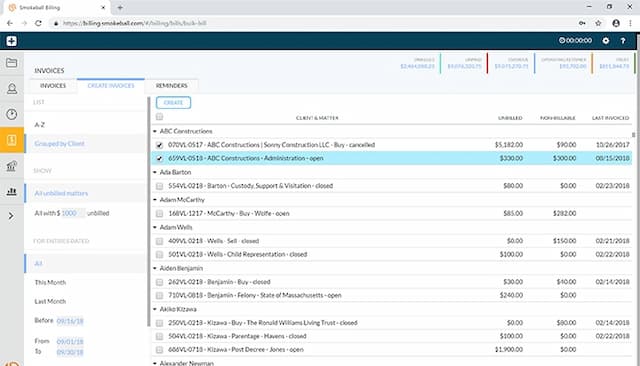
Billing & Invoicing
Billing And Invoicing
Case Management
Client Management (CRM)
Court Calendaring & Scheduling
Document Automation/Assembly
Document Management
e-Signature
Time Tracking
Trust Accounting
Workflow Automation
Pros and Cons
Pros
Intuitive interface that easily manages files, documents, and calendars
Offers a template library and automation tools to generate documents
Quick e-filing of pleadings via built-in InfoTrack integration
Easy to store files and search them through search engine
Translates dense legal language into plain terms
Organizes contracts with structured insights
Powerful AI-driven checklists for consistent reviews
Cons
Initial setup can take time
Reporting feature could be made simpler, according to software users
Trust accounting not offered
Lacks built-in redline or version comparison
No folder structure for team collaboration
Pricing
Boost