Add to Compare
Add to Compare
Add to Compare
Compare Clio Software vs Peppermint Practice Management
Overall Rating
Ease of Use
9
0
Customer Support
9
0
Value for Money
9
0
Functionality
9
0
Specifications
Billing & Invoicing
Case Management
Client Management (CRM)
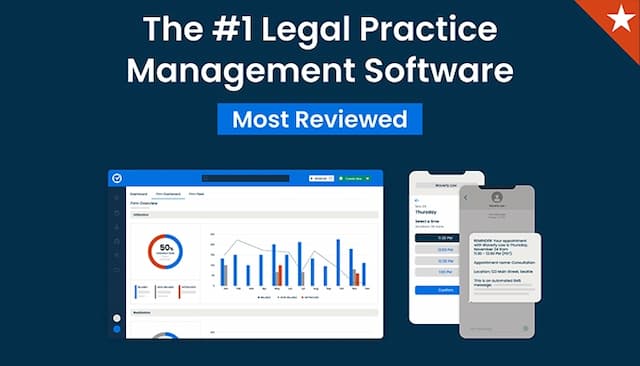
Clio Software
Compliance & Security Features
Court Calendaring & Scheduling
Document Automation/Assembly
Document Management
e-Signature
Reporting And Analytics
Time Tracking
Trust Accounting
Workflow Automation
Pros and Cons
Pros
Robust functionality
Extensive list of integrations
User-friendly interface
Tutorials easily available for support
Unifies all client data and case details into one platform
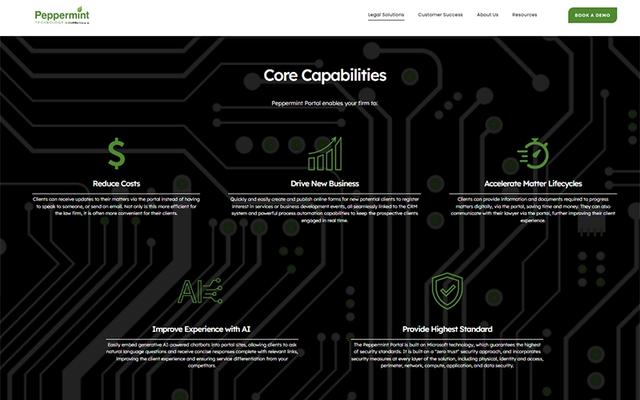
Built on the secure, robust Microsoft Dynamics 365 framework, providing security
Provides secure, dedicated client self-service portals
Cons
Users have reported slow email filings
No built-in accounting features
Some might require initial training
Requires a strong internal IT team to maintain long-term performance
Customization requires reliance on Microsoft partner developers