Add to Compare
Add to Compare
Add to Compare
Compare Smokeball vs Quicket
Overall Rating
9
0
10
0
9
0
9
0
Specifications
Pros and Cons
Pros
Intuitive interface that easily manages files, documents, and calendars
Offers a template library and automation tools to generate documents
Quick e-filing of pleadings via built-in InfoTrack integration
Easy to store files and search them through search engine
Provides unified cloud case management and data sharing
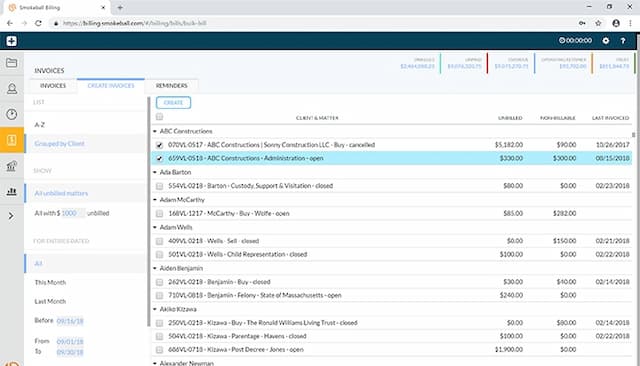
Includes a finance portal with online payments and collections tracking
Enables real-time synchronization across justice partners
Offers configurable workflows and role-based access
Cons
Initial setup can take time
Reporting feature could be made simpler, according to software users
Trust accounting not offered
Updates may slow down implementation time
Extensive capabilities may initially overwhelm users
Pricing
Boost