Add to Compare
Add to Compare
Add to Compare
Compare Smokeball vs Standard Legal Software
Overall Rating
9
0
10
0
9
0
9
0
Specifications
Pros and Cons
Pros
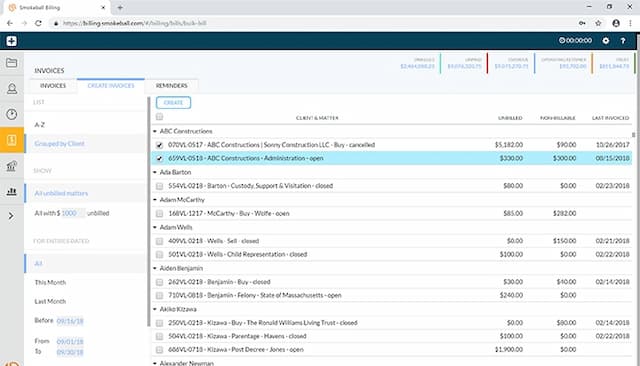
Intuitive interface that easily manages files, documents, and calendars
Offers a template library and automation tools to generate documents
Quick e-filing of pleadings via built-in InfoTrack integration
Easy to store files and search them through search engine
Provides regularly updated legal content, keeping forms current with the latest state and federal law changes
Includes clear, step-by-step instructions that make complex legal paperwork easy to understand and complete
Delivers instant download access right after purchase, so users can get started immediately
Cons
Initial setup can take time
Reporting feature could be made simpler, according to software users
Trust accounting not offered
Software interface may seem dated and requires updates
Offers limited customization options
Pricing
Boost