




Whether you have wrapped up a part-time gig or moved on to a new opportunity, properly leaving a workplace on ‘When I Work’ ensures a clean break. This also means you will no longer receive notifications about schedule changes from your old job.
Learn how to leave a workplace on ‘When I Work’ and find answers to common questions employees often have during this transition in this article.
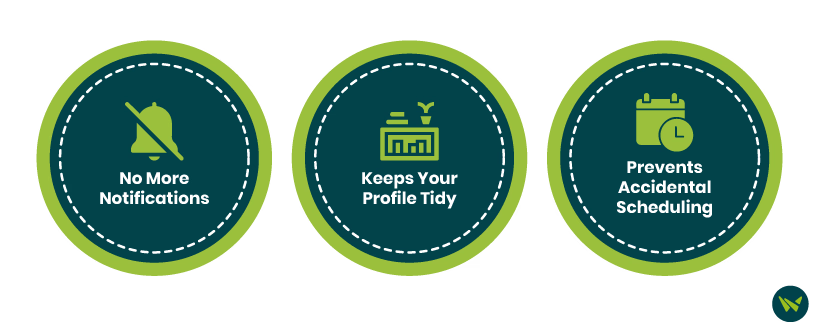
Leaving a workplace on ‘When I Work’ isn’t just a formality. Here’s why it matters:
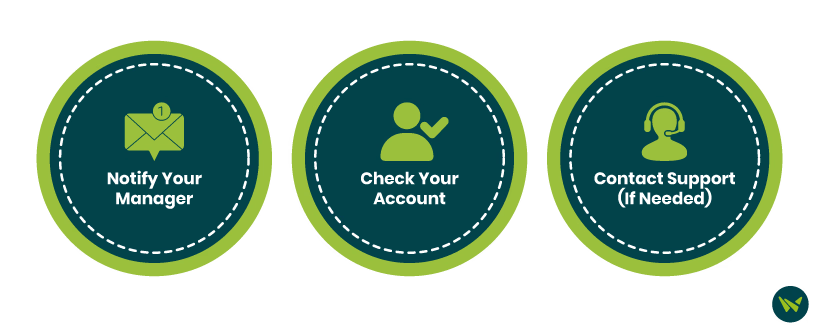
It is important to know that employees cannot remove themselves from a workplace on ‘When I Work’. Only the manager/administrator is authorized to do this. Here’s what you can do about it.
Notify Your Manager
Before anything else, let your manager or supervisor know you are leaving. Make sure to follow the company’s official procedure for leaving the job. This is both professional and necessary—because, as said above, only admins or managers can remove you from the workplace in When I Work.
Check Your Account
After your manager deactivates you, you can:
- Open the ‘When I Work’ app
- Go to the ‘Workplaces’ tab (if applicable)
- Confirm that the old workplace is no longer active
If the workplace still appears but you have no access, it means your profile is still attached, but you are not part of the active team. You can ignore it, or request full removal
Contact Support (If Needed)
If your manager hasn’t removed you and you are still receiving updates weeks later, you can contact ‘When I Work Support’ for help. However, they will likely ask for confirmation that you have contacted your employer first.