

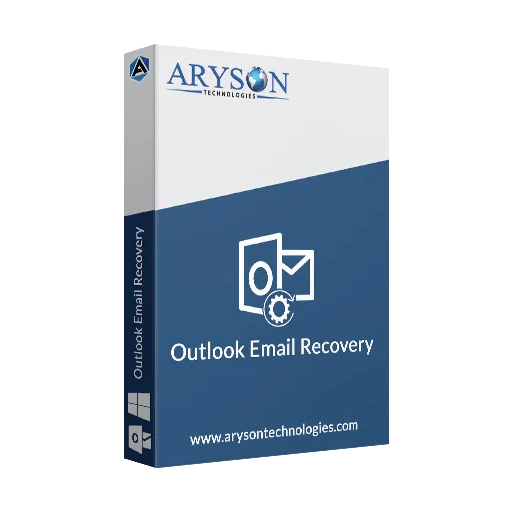
Outlook Email Recovery
Last Updated
Overview
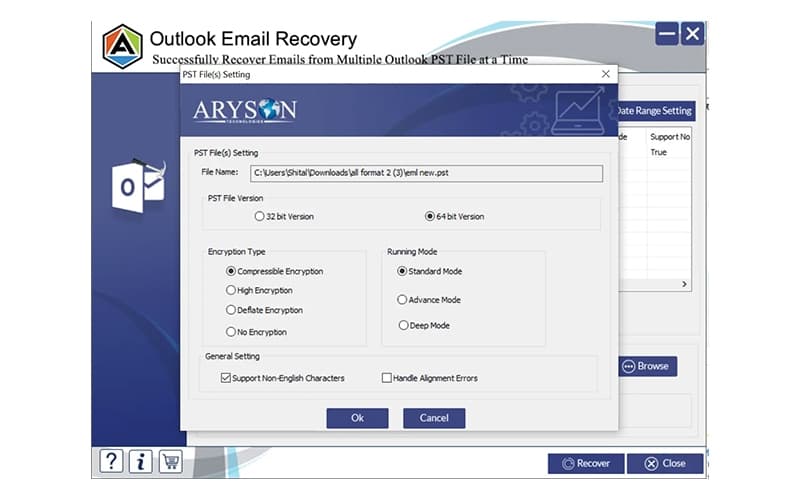
Outlook Email Recovery reliably retrieves deleted or corrupt PST files, safeguarding vital email data for smooth operations. Its advanced algorithms ensure quick, data-loss-free recovery. Although firewall adjustments may be needed initially, full access allows unlimited recovery options. Overall, it's known for effective data protection and ease of use.
Be the first one to leave a review!
No review found

Starting Price
Custom
Outlook Email Recovery Specifications
- File Sharing & Management
- Document Management
- Security & Compliance
- Real-Time Communication
Outlook Email Recovery Features
Safe Recovery Process
It scans files with advanced algorithms to extract deleted items without altering the originals. This maintains email content and structure during recovery. Users choose specific folders for targeted recovery, avoiding unnecessary scans. Precision reduces risks in data handling. This method boosts trust in recovery results, helping with decisions on important communications.
Unlimited File Handling
Outlook Email Recovery software processes files of any size without needing to split them. It loads large archives directly into the interface for thorough scanning. This allows for comprehensive email histories in one session, making it suitable for expanding mailboxes. Teams benefit from full data access, enhancing efficiency in retrieving information.
Deleted Email Retrieval
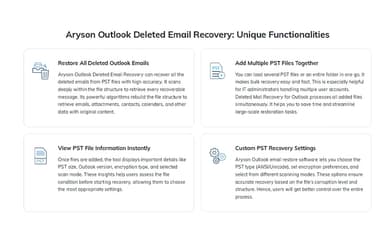
Users initiate scans to identify and list emails that have been permanently removed from Outlook storage. The platform previews items before saving them in new PST formats, ensuring accuracy before export and minimizing data loss from user errors. Restored access enhances organization and allows for quick reference during ongoing projects.
Attachment Extraction
During scans, the tool detects and restores embedded files like documents within emails. It preserves links and formats for immediate use after recovery. This includes calendars, contacts, and messages; complete component recovery prevents incomplete archives. Businesses achieve comprehensive backups, supporting collaboration on shared resources.
Corruption Repair
Outlook Email Recovery features identify damaged PST sections and reconstruct accessible data from them. It filters out errors while exporting usable information to healthy files, restoring otherwise unusable archives. The method addresses hardware failures or software issues. Reliable fixes reduce recovery time, supporting operational continuity.
Pros And Cons of Outlook Email Recovery
Pros
Ensures data integrity during scans
Manages large files without splits
Retrieves deleted items swiftly
Cons
Needs admin rights for startup
Security scans may temporarily pause processes
Outlook Email Recovery Reviews

No reviews yet!
Be the first to review this product
Frequently Asked Questions
Does Outlook Email Recovery offer an API?
The vendor has not shared information about its API.
What language does Outlook Email Recovery support?
Outlook Email Recovery primarily supports English language.
Does Outlook Email Recovery have a mobile app?
No, the software doesn’t have a mobile app.
What types of pricing plans does Outlook Email Recovery offer?
Outlook Email Recovery price includes a free version and license-based plan options starting at $299. Get a personalized Outlook Email Recovery cost estimate.
Who are the typical users of Outlook Email Recovery?
Outlook Email Recovery is commonly used in legal, real estate, sales, finance, and education sectors.
What level of support does Outlook Email Recovery offer?
Outlook Email Recovery provides support through chat and online resources.
What other apps does Outlook Email Recovery integrate with?
The vendor has not shared details about third-party integrations.