Add to Compare
Add to Compare
Add to Compare
Compare Jotform vs BigHand Budgeting and Forecasting
Overall Rating
9
0
10
0
10
0
10
0
Specifications
Pros and Cons
Pros
Improved back-end features and reporting functions
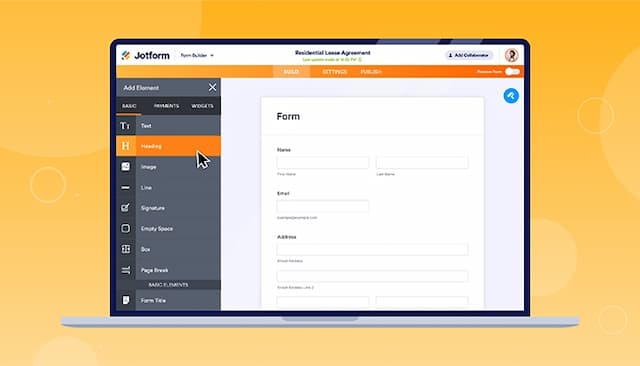
Easy-to-use form creator with customization and image upload options
Streamlines processes with digital forms and PDF reports
Offers seamless integration with popular platforms
Allows lawyers and para-legals to multi-task
Facilitates documented communication with clients
Provides cross application support for user convenience
Includes security features to reduce privacy risks
Cons
Hard to read and fill out forms on mobile due to screen cutoff
Outdated verification process can result in data loss if locked out
Functionality is dependent on internet access in remote areas
Platform updates may require technical work to function properly
More training materials can be provided to master the tool