Add to Compare
Add to Compare
Add to Compare
Compare Jotform vs CaseCracker
Overall Rating
Ease of Use
9
0
Customer Support
10
0
Value for Money
10
0
Functionality
10
0
Specifications
Billing & Invoicing
Case Management
Client Management (CRM)
Compliance & Security Features
Court Calendaring And Scheduling
Document Automation
Document Management
E-Signature
Reporting and Analytics
Time Tracking
Trust Accounting
Workflow Automation
Pros and Cons
Pros
Improved back-end features and reporting functions
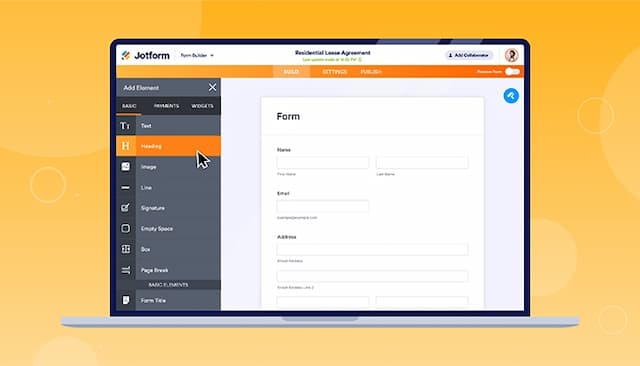
Easy-to-use form creator with customization and image upload options
Streamlines processes with digital forms and PDF reports
Offers seamless integration with popular platforms
Extremely reliable and easy to use
Ensures tamper-proof evidence integrity
Purpose-built for law enforcement needs
Cons
Hard to read and fill out forms on mobile due to screen cutoff
Outdated verification process can result in data loss if locked out
Requires purchase of dedicated hardware
Limited integrations with other software