Add to Compare
Add to Compare
Add to Compare
Compare Jotform vs Kuhlekt
Overall Rating
9
0
10
0
10
0
10
0
Specifications
Pros and Cons
Pros
Improved back-end features and reporting functions
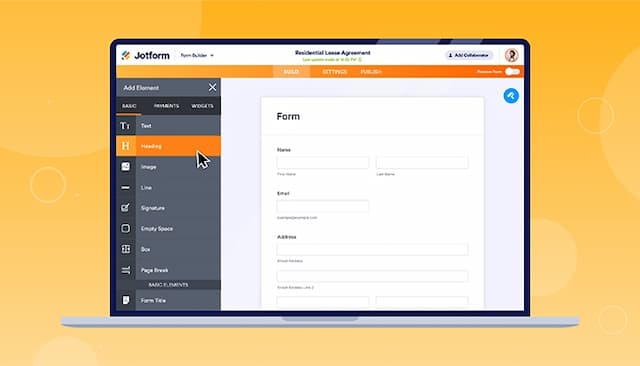
Easy-to-use form creator with customization and image upload options
Streamlines processes with digital forms and PDF reports
Offers seamless integration with popular platforms
Allows keeping detailed notes and attachments for each account
Helps easily identify problem accounts and set reminders for follow-ups
Provides a consistent and accountable process to reduce DSO
Enhances customer relationships through structured communication
Cons
Hard to read and fill out forms on mobile due to screen cutoff
Outdated verification process can result in data loss if locked out
Doesn’t allow users to CC or add multiple email addresses for outbound communication
Some users are still waiting for additional modules to complete the software