Add to Compare
Add to Compare
Add to Compare
Compare Jotform vs Legal Boards
Overall Rating
9
0
10
0
10
0
10
0
Specifications
Pros and Cons
Pros
Improved back-end features and reporting functions
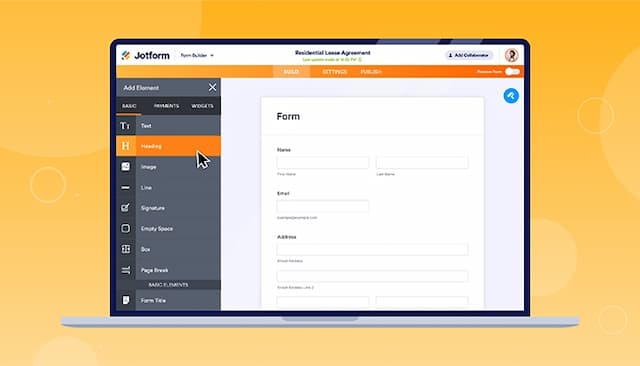
Easy-to-use form creator with customization and image upload options
Streamlines processes with digital forms and PDF reports
Offers seamless integration with popular platforms
Powerful automation streamlines legal workflows efficiently
Visual kanban boards simplify case tracking
Highly customizable to fit unique firm needs
Automated client emails improve communication consistency
Exceptional customer service and responsive support staff
Regular updates ensure continuous software improvement
Cons
Hard to read and fill out forms on mobile due to screen cutoff
Outdated verification process can result in data loss if locked out
Setup takes some time to fully optimize
Occasional syncing delays but quickly resolved
Interface could be clearer for new users
Some advanced customizations require extra guidance