Add to Compare
Add to Compare
Add to Compare
Compare Jotform vs Practice Manager Pro
Overall Rating
9
0
10
0
10
0
10
0
Specifications
Pros and Cons
Pros
Improved back-end features and reporting functions
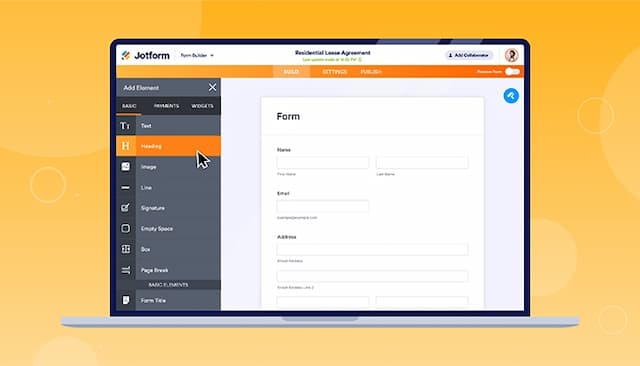
Easy-to-use form creator with customization and image upload options
Streamlines processes with digital forms and PDF reports
Offers seamless integration with popular platforms
End-to-end integration across legal practice, accounting, and operations gives high visibility and control
Strong automation reduces administrative overhead and manual tasks
Suited for firms that prioritise strategic metrics for profitability and cash-flow management
Cons
Hard to read and fill out forms on mobile due to screen cutoff
Outdated verification process can result in data loss if locked out
Performance can be slow under load/peak hours
Security updates/updates may slow down implementation time