Add to Compare
Add to Compare
Add to Compare
Compare Jotform vs Visualping
Overall Rating
9
9
10
9
10
9
10
9
Specifications
Pros and Cons
Pros
Improved back-end features and reporting functions
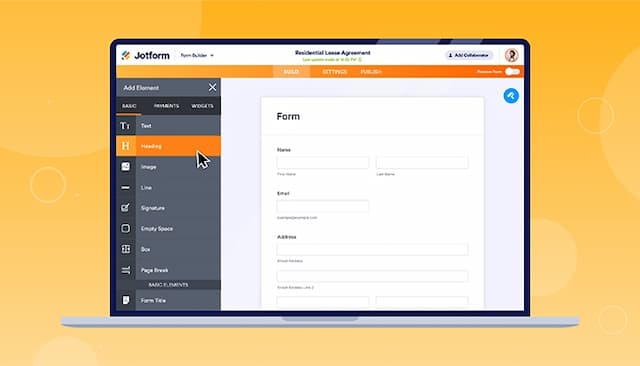
Easy-to-use form creator with customization and image upload options
Streamlines processes with digital forms and PDF reports
Offers seamless integration with popular platforms
Automates the tracking of primary sources not found in static legal databases
Real-time alerts via Slack and Teams significantly boost firm-wide productivity
Highly customizable monitoring allows researchers to focus on specific sections
Cons
Hard to read and fill out forms on mobile due to screen cutoff
Outdated verification process can result in data loss if locked out
Navigation can be complicated when managing a large volume of different monitors
Software interface may seem dense and requires initial training for advanced setup