Add to Compare
Add to Compare
Add to Compare
Compare Jotform vs Waiver Electronic
Overall Rating
9
0
10
0
10
0
10
0
Specifications
Pros and Cons
Pros
Improved back-end features and reporting functions
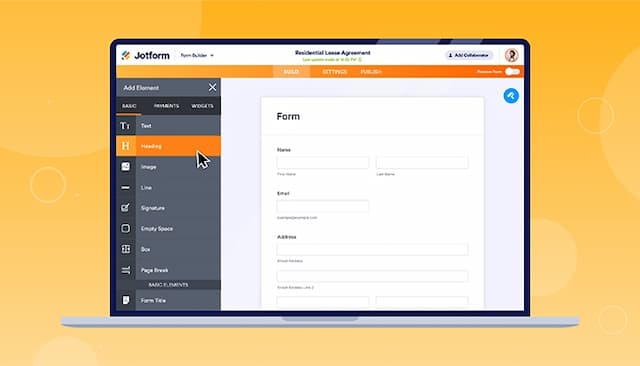
Easy-to-use form creator with customization and image upload options
Streamlines processes with digital forms and PDF reports
Offers seamless integration with popular platforms
Quick setup with drag-and-drop, very user-friendly interface
Waivers stored digitally, reducing paper waste significantly
Integrates with Google Drive for easy file management
QR codes simplify large group waiver collection process
Unlimited waiver creation and multiple form variations possible
Cons
Hard to read and fill out forms on mobile due to screen cutoff
Outdated verification process can result in data loss if locked out
Mobile retrieval on iPhone/iPad can be difficult
Users must re-enter client info multiple times sometimes
Editing/creating forms on mobile app not available