Add to Compare
Add to Compare
Add to Compare
Compare Logikcull vs Kuhlekt
Overall Rating
9
0
10
0
9
0
9
0
Specifications
Pros and Cons
Pros
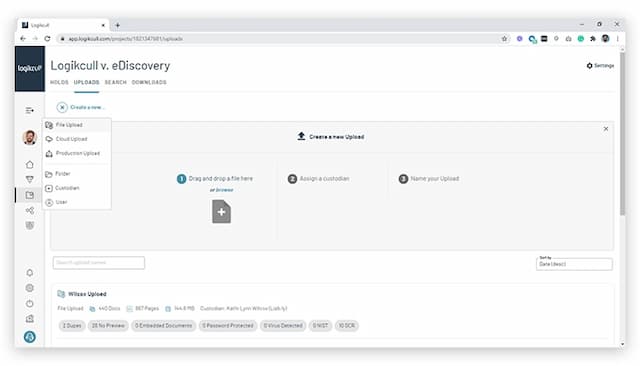
Streamlines legal holds
Simplifies the process of downloading all documents as PDF files, regardless of their original formats
Flexibility to personalize tags and labels to align with specific requirements
Stores extensive data sets in the cloud
Allows keeping detailed notes and attachments for each account
Helps easily identify problem accounts and set reminders for follow-ups
Provides a consistent and accountable process to reduce DSO
Enhances customer relationships through structured communication
Cons
Allows duplicates within the same page
Fails to save work when tagging too quickly, often without alerting the user
Doesn’t allow users to CC or add multiple email addresses for outbound communication
Some users are still waiting for additional modules to complete the software