Add to Compare
Add to Compare
Add to Compare
Compare Microsoft Excel Software vs Calendars.Cloud
Overall Rating
8
0
9
0
9
0
9
0
Specifications
Pros and Cons
Pros
Suits users of all skill levels, with rich tutorials available
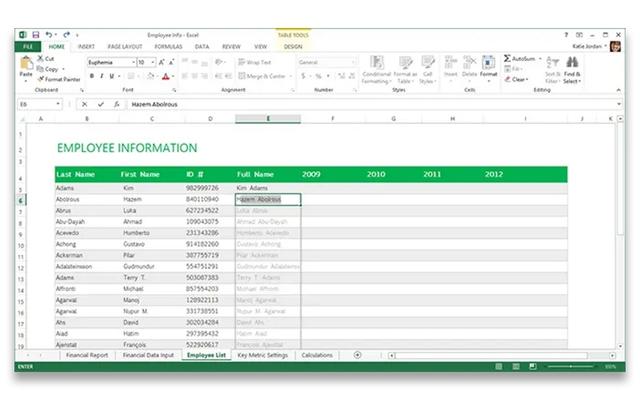
Highly versatile and handles large amounts of data with ease
Powerful formulas and functions simplify calculations and data analysis
Easy to learn and intuitive for basic spreadsheet tasks
Strong capacity to manage and analyze large datasets
Calendars.Cloud helps users stay on track and remain accountable by reminding them of important appointments and commitments
It is especially useful for managing professional schedules and keeping daily responsibilities organized
The software enables users to prioritize events effectively and maintain better control over their calendars
It allows users to set reminders, helping them stay ahead of deadlines and important tasks
Cons
Takes time to learn complex functions for advanced usage
Large datasets often lead to difficult-to-find human errors
The user interface appears outdated and needs improvement
Some users feel the software has room for improvement and expect new features to be added in the future
There is a possibility of data corruption, which may affect event management