Add to Compare
Add to Compare
Add to Compare
Compare Smokeball vs Jotform
Overall Rating
9
9
10
10
9
10
9
10
Specifications
Pros and Cons
Pros
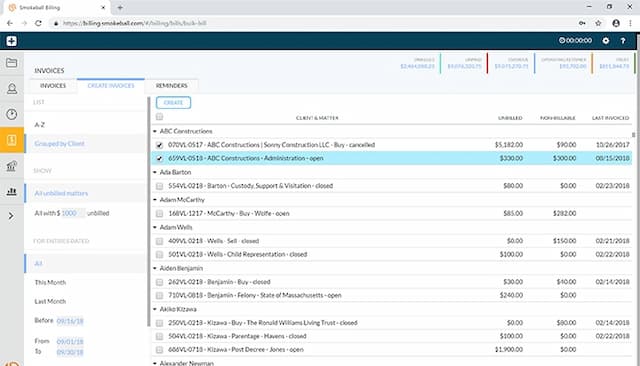
Intuitive interface that easily manages files, documents, and calendars
Offers a template library and automation tools to generate documents
Quick e-filing of pleadings via built-in InfoTrack integration
Easy to store files and search them through search engine
Improved back-end features and reporting functions
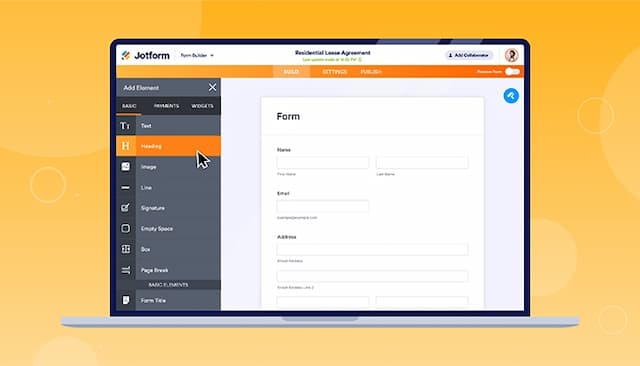
Easy-to-use form creator with customization and image upload options
Streamlines processes with digital forms and PDF reports
Offers seamless integration with popular platforms
Cons
Initial setup can take time
Reporting feature could be made simpler, according to software users
Trust accounting not offered
Hard to read and fill out forms on mobile due to screen cutoff
Outdated verification process can result in data loss if locked out
Pricing
Boost