

Cisco Finesse
Last Updated
Overview
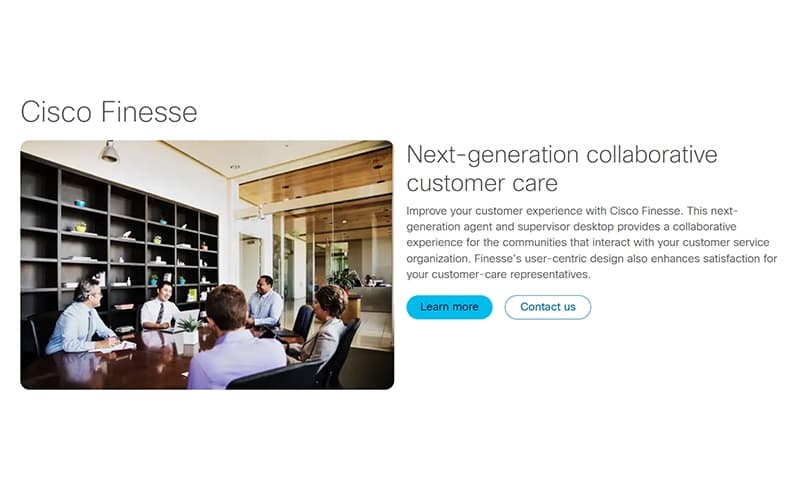
Cisco Finesse is a next generation contact center desktop built for agents and supervisors. While some customization may require technical expertise, it provides seamless integration with Cisco Collaboration and a web-based thin client interface. Agents gain quick access to customer data, enhancing service efficiency.

Cisco Finesse Specifications
- Omnichannel Support
- Live Chat
- CRM Integration
- Canned Responses
Cisco Finesse Features
Thin-Client Desktop
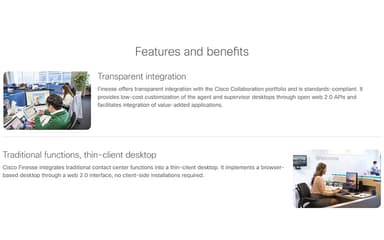
Finesse provides a browser-based thin-client interface, removing the need for client-side installations. This reduces IT overheads while offering agents a centralized workspace for all contact center functions.
Toaster Notifications
Toaster notifications provide alerts when the Cisco Finesse web interface is minimized or inactive. Agents receive notifications for incoming calls, new emails, or new chats, ensuring they never miss important interactions and can respond promptly, even when multitasking across multiple applications.
Pop-Over For Voice And Digital Channel Alerts
The pop-over feature displays interaction-specific information before agents answer calls or digital messages. This allows agents to review context and prepare interactions in advance, improving service accuracy, and enabling faster, more informed responses across all communication channels.
Browser Support
Cisco Finesse supports major browsers including Chrome, Firefox, and Edge for agents, supervisors, and administrators. By aligning with the latest browser versions, the platform provides flexibility, ensures compatibility, and allows agents to work on their preferred devices without technical restrictions.
Pros And Cons of Cisco Finesse
Pros
Single platform manages calls, emails, and chats efficiently
Intuitive interface requires minimal training, boosting productivity
Consolidates communication channels to improve contact center workflow
Cons
Some browsers cause dropped calls, affecting agent performance
New users may require extensive training initially
Cisco Finesse Reviews
Total 10 reviews
4.9
All reviews are from verified customers
Rating Distribution
5
Stars90%
4
Stars10%
3
Stars0%
2
Stars0%
1
Stars0%
Share your experience
Information Technology and Services, 500+ employees
Less than a year
“Helpful teammate visibility”
Pros
Seeing which teammates are currently active is really useful and it also helps me keep track of my calls when logging them.
Cons
It can be a bit temperamental at times and will randomly disconnect from the phone app which causes some calls not to be tracked.
Rating Distribution
Ease of use
9
Value for money
10
Customer Support
10
Functionality
10
Consumer Services, 500+ employees
Less than a year
“User-friendly interface”
Pros
Right from the start, it stands out for its user-friendly interface especially for contact center environments. It feels well designed for day-to-day use and makes handling tasks much more comfortable.
Cons
API can be improved. Upgrading it would make Cisco Finesse even better and more capable overall.
Rating Distribution
Ease of use
10
Value for money
10
Customer Support
10
Functionality
10
Consumer Services, 500+ employees
Less than a year
“Clean layout”
Pros
The layout is clean and user-friendly so agents can handle calls, chats and other tasks efficiently without any hassle.
Cons
It can be pricey for smaller organizations especially once licensing fees and possible infrastructure costs are added in.
Rating Distribution
Ease of use
9
Value for money
8
Customer Support
10
Functionality
9
Frequently Asked Questions
What types of pricing plans does Cisco Finesse offer?
Pricing is available through Cisco sales representatives and varies based on licenses, deployment size, and additional features. Get a Cisco Finesse price quote today.
What other apps does Cisco Finesse integrate with?
It integrates with the Cisco Collaboration suite and third-party business applications.
Does Cisco Finesse have a mobile app?
Cisco Finesse primarily operates via a browser-based desktop. There is no dedicated mobile application.
Does Cisco Finesse offer an API?
Yes, Cisco Finesse supports Web 2.0 APIs that allow integration with third-party applications and internal business systems.
What level of support does Cisco Finesse offer?
Cisco offers comprehensive support via email and phone.
Who are the typical users of Cisco Finesse?
Typical users include customer service teams, contact center agents, IT help desks, and mid-to-large enterprises.
What language does Cisco Finesse support?
The software supports English and other languages depending on Cisco platform settings.