Article
Hybrid Workforce Solutions: A Technical Framework For Distributed Teams
17 mins read
Last Updated


By Rabia Aamir and


Article
17 mins read
Last Updated
By Rabia Aamir and
Most hybrid strategies fail not because of a lack of policy, but because the traditional office setup creates a gap that conventional tools cannot bridge. When half of your team works on Tuesdays from the office and the other half on Thursdays, the culture begins to fragment. It cannot be solved with a simple video link. Instead, HR leaders must drive a strategy that prioritizes the human experience over the technical stack.
This infrastructure centers on digital equity, ensuring that every employee, regardless of physical location, accesses identical data, communication channels, and project workflows. By focusing on engagement and retention, HR can use these platforms to prevent burnout and ensure that remote staff feel just as included as those on-site.
This guide examines the core technologies, common implementation challenges, and selection criteria necessary to build a resilient hybrid environment.
A functional hybrid infrastructure usually relies on how well your day-to-day operations match up with your specific software. These hybrid workforce solutions move beyond basic remote access; they aim to create a standardized digital environment where collaboration, data security, and operational visibility remain consistent across all locations. To achieve this, you’ll likely need to deploy integrated technologies capable of handling high-volume data exchange and real-time coordination.
The shift toward this model is now the baseline expectation for the modern workforce. It is clearly supported by recent data: as of late 2025, 52% of U.S. remote-capable employees work in hybrid environments, with a staggering 83% of global workers favoring a mix of remote and in-office days. What is its significance? For businesses—big or small—flexibility is no longer just a perk; it has become an operational requirement. This is not only a technical shift; it is also a retention advantage that HR leaders must embrace to stay competitive in hiring.
Perhaps this is why 95% of business leaders have been making their organizations more flexible over the last two years. The goal here is to transform a hybrid model from a temporary fix into a permanent operational standard. By adopting these solutions, HR can better manage workforce planning and ensure the company remains a top choice for high-tier talent.
It can get increasingly difficult for an HR leader to manage a hybrid team. You have immediate, real-time discussions. For this, you utilize video calls and instant messages for quick decisions, keeping everyone feeling like a team. But, at the same time, relying on those tools can create a culture where people feel tethered to their screens only to stay in the loop. It turns out to be exhausting.
This is where it becomes essential to document things for later. When a decision is made in live meetings but not shared in a way that others can review on their own time, your remote employees end up feeling left out. That disconnect does more than just hurt morale. It slows down every project because people have to wait for the next live moment just to get the information they need to keep moving forward. Choosing to balance these two is no longer optional. It is how you keep the work moving when the whole team is not online at the same time.
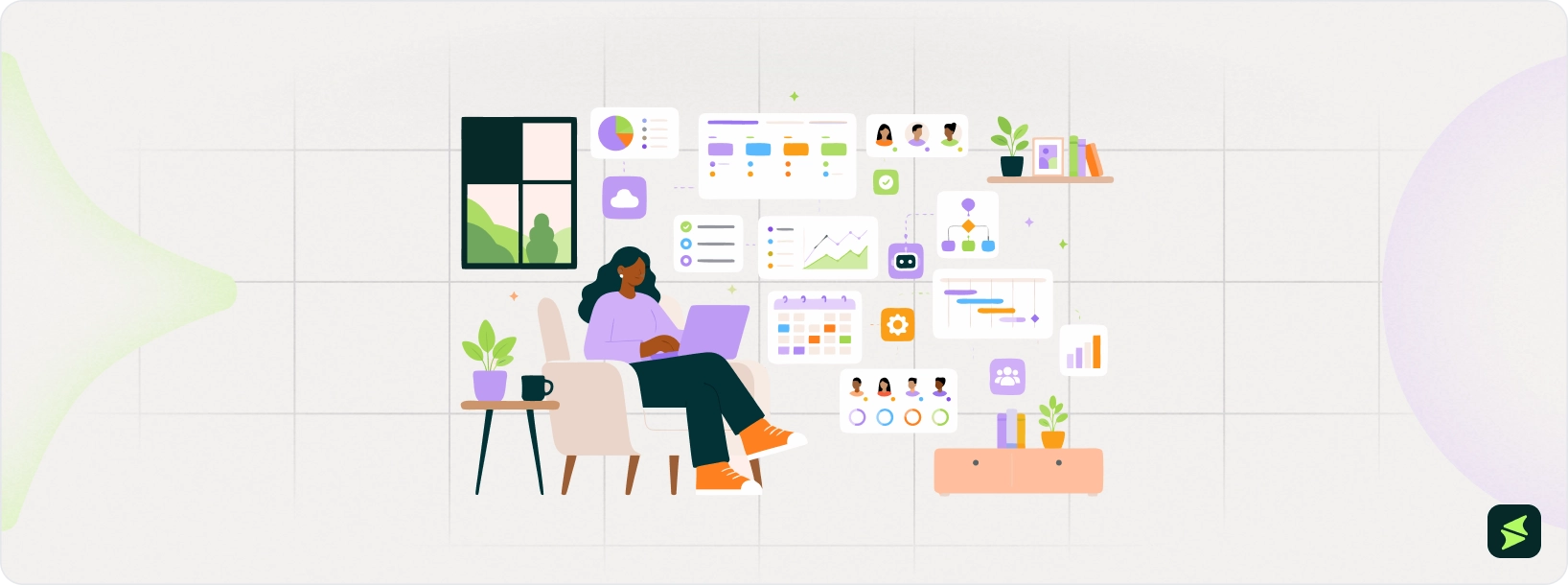
To maintain accountability without constant physical supervision, hybrid models utilize centralized project management systems. These platforms serve as the definitive record for all workflows. You can use them to assign tasks, set dependencies, and monitor progress via dashboards.
By shifting tracking to a transparent, cloud-based interface, you are more likely to ensure that every stakeholder has real-time visibility into deadlines, helping to mitigate the risks of proximity bias. Without a transparent system, it is easy for managers to unintentionally favor those they see in person. They may begin to base their assumptions on visibility, assuming these employees are more productive simply because they see them regularly. However, a centralized system levels the playing field. Instead of visibility, it encourages stakeholders to evaluate performance based on actual output and completed milestones. It also helps track everyone’s progress within the same interface. The result? A deadline met remotely carries the same weight as one met in the office. It becomes more about results than presence.
Managing a fluid workforce requires a shift in how you coordinate physical space and time. Automated scheduling software allows your team to book desks or meeting rooms—the standard hot-desking model—while providing you with actual office utilization data. These systems aren't just for logistics; they often integrate with attendance tracking to synchronize anchor days. This ensures your team is physically present at the same time for high-impact collaboration without exceeding occupancy limits or creating a ghost-town office environment.
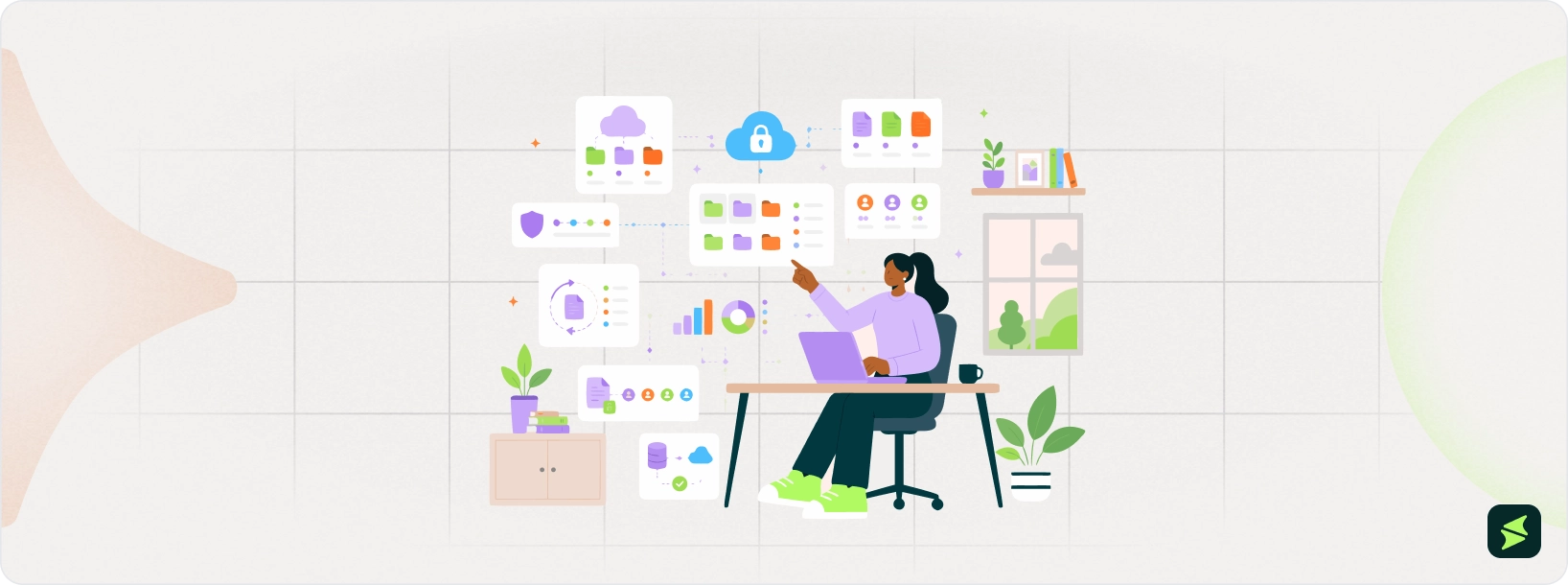
Accessibility is the functional foundation of digital equity. Secure cloud repositories have largely replaced localized servers, ensuring that version-controlled documents are instantly retrievable from any authorized device. Because these systems use granular permissions and encrypted transfers, your intellectual property remains protected despite the distributed nature of the work. Centralizing documentation in this way eliminates the friction of multiple file versions, so your contributors are always working from the most current data.
It also gives confidence to your team. They can collaborate on the same document, at the same time, knowing they are always working from the most current data without a mess of conflicting copies.
Efficient hybrid solutions have moved away from tracking hours logged in favor of output-based analytics. Instead of wondering if someone is at their desk, performance dashboards aggregate data from several tools to show what is actually getting done. Once you have your hand on this data, you can refine the workflows and adjust your management styles accordingly.
What’s more, this data can be perceived as an early warning system for your team’s health. HR leaders can use these insights to spot the signs of burnout before they lead to turnover. If a high-performing employee’s output suddenly dips, or if their activity spikes at odd hours, you have the objective information needed to start a serious conversation. It is about using analytics for coaching and fair evaluation, ensuring every team member is recognized for their outcomes, and not only their green status icon.
Employee experience in a hybrid model is crucial for you as an HR leader. You cannot easily read the room in a digital setting, so you need a system that effectively handles the logistics of the job. These platforms centralize all the information that remote employees need, including benefits, policy updates, and internal movements.
Beyond the paperwork, these tools are the primary way you measure how the team is actually doing. Since you are not exactly coming across the employees in hallways for a quick check-in, you have to rely on digital surveys and sentiment tracking to gauge morale.
Building a functional hybrid model requires a deliberate technical response to the friction of distance. When your team is split between the office and the home, communication silos form almost instantly. Without integrated channels, remote workers lose the peripheral context that happens naturally in a hallway or over a desk. This lack of transparency is more than a cultural issue; it is a structural failure that creates information asymmetry.
Integrated communication platforms ensure that every update, decision, and sidebar conversation is documented and accessible. According to Pumble’s 2026 Workplace Statistics, 53% of communicators still find inter-departmental communication to be their greatest hurdle. Hybrid solutions bridge this gap by centralizing interactions, preventing the information loss that leads to the second-class citizen feeling often reported by remote staff. When your communication is digital-first, location stops being a barrier to staying in the loop.
The move toward transparency extends directly into how you measure progress. Without the traditional eyes-on management of a physical office, many leaders struggle with a visibility gap. This often leads to productivity paranoia—where 85% of leaders, according to Microsoft, find it difficult to have confidence that employees are being productive when they cannot see them.
Hybrid workforce solutions resolve this by shifting the focus from hours logged to metric-based output tracking. By using project management dashboards that highlight milestones and deliverables, you replace guesswork with data-driven insights. It is no longer about who is at their desk at 9:00 AM, but the velocity and quality of the work produced.
Clear data is only half of the battle if security and internal policies are inconsistent. Managing a distributed fleet of devices introduces significant vulnerabilities; residential Wi-Fi and personal devices rarely match the security standards of a corporate office.
Modern hybrid solutions mitigate these risks by automating compliance through cloud-native security layers and Zero Trust Architecture. Research from ISMS.online indicates that by 2026, continuous compliance automation will be essential for stretched IT teams. These tools ensure that whether a staff member is working from a café or a headquarters cubicle, the same enterprise-grade protection and policy enforcement apply automatically.
The logistics of a fluid workforce often create massive scheduling headaches. Data shows the primary frustration for hybrid workers is commuting to a video call because the team they needed to see stayed home.
Technology-led scheduling tools address this by synchronizing office anchor days and managing room bookings. Data from the Flex Index shows that 75% of hybrid companies now use these structured schedules to ensure that when people do come in, it is for high-impact, face-to-face collaboration. These tools take the guesswork out of office attendance, ensuring physical space is utilized effectively rather than becoming a quiet, empty ghost town.
While collaboration is essential, it must be supported by a security model that accounts for a distributed workforce. The old corporate firewall doesn’t work for the hybrid model anymore. This is why modern solutions replace it with identity-first security now. Whether a staff member is on home Wi-Fi or at a hotel, the system automatically handles encryption and MFA. This approach keeps any security slip-up at a single home endpoint from turning into a full-blown network compromise. By centralizing security through the software stack rather than the office router, you maintain enterprise-grade protection across the globe.
A successful hybrid tech stack is more than a collection of individual apps. It is essentially an interconnected network where data moves freely between departments. Before diving into the details, the table below summarizes the primary categories and the tools currently defining the market.
Category | Primary Function | Examples |
|---|---|---|
Collaboration And Communication | Bridges the gap between synchronous and asynchronous talk | Microsoft Teams, Slack, Zoom |
Employee Experience | Centralizes culture, news, and social connection | Workvivo, LumApps, Simpplr |
Cloud Storage And Workflow | Ensures document versioning and global access | SharePoint and Google Workspace |
Performance Analytics | Provides visibility into output and team health | Workstatus and Hubstaff |
The most immediate friction in a hybrid setting is the loss of peripheral context. It is that natural awareness of project shifts that happen when people sit in the same room. To solve this, collaboration and communication platforms like Microsoft Teams and Slack have moved beyond basic chat to function as centralized digital hubs. To make these hubs effective, you have to balance synchronous video for high-stakes meetings with asynchronous channels that protect deep-focus work. This balance only works if you move coordination into public channels instead of private messages. It also ensures that anyone joining a project mid-stream can access the full decision history regardless of their physical location.
Because this digital coordination lacks the social cues of a physical office, culture can no longer be a byproduct of presence; it has to be a deliberate technical choice. Employee experience and engagement platforms like Workvivo, LumApps, or Simpplr address this by replacing stagnant legacy intranets with social-first environments. These tools centralize company news and peer recognition, creating a feedback loop that replaces the watercooler. For employees who rarely visit the office, these platforms provide the primary line to leadership, helping them stay aligned with the broader mission through a consistent digital touchpoint.
Even with a strong culture, a hybrid model will still fail if the actual work, the documents, and data live on localized servers or individuals’ hard drives. Everyone on the team requires the same level of access to be productive. SharePoint and Google Workspace software standardize this document's lifecycle by hosting a single version of a file that is accessible from any authorized device. The practical advantage here is real-time co-authoring; when multiple stakeholders edit a proposal simultaneously during a call, the physical distance between them effectively disappears.
Once these collaborative workflows are in place, the method of verification must also change, as you can no longer manage by walking around. Work status and specialized dashboards fill this gap by providing data on project progress and team activity levels. It is critical, however, that these tools function as a support system rather than a surveillance mechanism. High-quality analytics allow you to spot any early signs of burnout. This may include an employee consistently logging late hours, so you can redistribute the workload before it leads to retention issues.
These analytics are only useful if the various tool categories don’t exist in isolation. A truly cohesive system is one where an update in a project management tool automatically triggers a notification in Slack and refreshes a widget on your employee experience dashboard. When these tools share data, you reduce the toggle tax – the mental energy lost by constantly switching between different applications. This integration creates a predictable experience for the team, ensuring the workflow remains the same whether they are in the building or across the globe.
The process of software selection should focus on your specific operational reality, instead of only focusing on the features. It is easy to forget that a tool suited for a ten-person startup will likely grind things to a halt in a thousand-person enterprise. This usually happens because communication complexity does not just grow as you continue to grow your company; it scales exponentially.
Because of that complexity mentioned above, your first real filter should be company size and where you expect the headcount to be in a couple of years. While a smaller team can stay lean with lightweight, flexible tools, a larger organization is going to need much tighter administrative controls and permission levels. It is worth thinking about this now, as switching your entire project management setup in the middle of a growth spurt is a high-friction, expensive headache that most of us would rather avoid.
The same logic applies to your people operations. Scaling a hybrid team means your HR infrastructure eventually has to handle more than just basic payroll. It has to manage the headaches of different tax jurisdictions and localized benefits as you hire across borders.
You also have to look at how often people are actually using the office, as that ratio should really dictate your budget. If you are a remote-first shop where people drift in once a month, your money is better spent on top-tier video conferencing and documentation tools. On the flip side, a split model, where the office is a hive of activity the majority of the week, needs a much stronger focus on desk-booking and room-scheduling software. Getting this right keeps you from over-investing in physical space management when the real struggle is digital coordination.
Of course, no amount of logistical planning matters if the tools cannot clear your security hurdles. In a hybrid setup, encryption and data residency are not just IT checkboxes; they are what keep the business running across home and public networks. You have to be certain about how a solution handles access controls outside the corporate firewall. ISMS.online highlights several security and compliance trends that businesses should consider as these requirements continue to evolve. If a tool lacks Multi-Factor Authentication (MFA) or does not meet specific regulations like GDPR or HIPAA, it should not even make it to the trial phase. What's more, you are responsible for employee data privacy. It should be shielded completely by modern encryption and strict access limits so they can focus on their work without worrying about who is watching.
That technical rigor also needs to apply to how these new tools integrate with the ones you already have. A hybrid solution should not exist in a vacuum; it has to connect easily with your Enterprise Resource Planning solutions (ERPs), Human Resources Information Systems (HRIS), and Customer Relationship Management (CRM). When these platforms are disconnected, your staff ends up manually moving data from one app to another, which is exactly where errors start to creep in, and productivity begins to stall. The goal is an environment where an employee's status in HR automatically updates their availability in your scheduling and communication tools.
At the end of the day, technical perfection doesn't mean much if the interface is a nightmare to navigate through. If your team has to forcefully deal with the software only to get a single task done, they will either stop using it or, worse, find their own unapproved workarounds. Prioritizing a clean, intuitive UX lowers the training burden and actually helps the tools stick. After all, the most effective piece of software in your stack is always the one the team actually enjoys using.
Moving from a basic setup to a professional implementation requires looking closely at how these tools improve a company’s workflow. It is one thing to say they help; however, it is another to see how they specifically reclaim lost time while stabilizing a distributed culture. Here are some key areas where hybrid workforce solutions fundamentally change the way a business operates.
Management naturally has to change when everyone is not in the same room, which is why the goal for most leaders is to move away from monitoring desk time and start focusing on outcome-based tracking instead. By using all-in-one hybrid workforce management solutions, you get a clear look at how a project is doing at any given stage – without having to resort to micromanagement.
These dashboards track output and work pace, making it much easier to see which teams are stretched too thin and which have extra capacity. This is more about workload balancing than keeping track of any slip-ups. When you can see that one department is hitting 95% capacity while another is at around 60%, you can redistribute tasks before anyone hits a wall. This ensures that performance is judged on actual work rather than a green status icon on a chat app.
Onboarding often feels hollow without a physical office to help new hires get accustomed to the culture. Because of this, your digital platform needs to do more than just store files. It should be able to foster human connections. The process comes down to building meaningful relationships so remote staff feel like true teammates. When the company’s culture is clearly communicated, people start feeling like they belong.
You are also building a searchable collective memory where information is archived and accessible rather than being trapped in a private email chain. Having this resource significantly reduces the time-to-productivity for new hires, as they no longer have to wait for a colleague to be available to answer basic questions.
Once employees are up to speed, the next challenge is to ensure they can contribute effectively during collaborative sessions. Remote participants shouldn’t feel like they are just watching a meeting they aren’t part of. Meeting equity addresses this by using hybrid workforce software to bridge the gap between the boardroom and the home office.
Features like individual framing for people in the room ensure that everyone’s face is clearly visible, while high-fidelity audio ensures that remote voices are not sidelined by the natural crosstalk of a physical office. Addressing these technical imbalances helps ensure that the best ideas prevail, regardless of where a person is located.
The move toward hybrid workplace software is rapidly increasing among businesses of all sizes worldwide. It is easy to see why. It forms the core of a strong hybrid working model while providing a solid platform that facilitates seamless collaboration and communication—regardless of whether staff are office-based or working remotely.
But the real question here is how you should go about implementing it without inviting any chaos to the team. At the same time, think about how you will ensure that every department stays aligned.
Before you start planning on buying new tools, you need to map out exactly how your employees interact with current solutions. Take your time to audit current collaboration tools. Get the IT department on the same page as you regarding security and company culture. Ask your team members where they think the data is falling through the cracks and which teams have started using their own unapproved apps to get around these limitations. Once you can identify those gaps, you can start creating a plan for the essentials you need. Groundwork matters here.
It is usually a mistake to flip a switch suddenly for a thousand people and expect them to adjust to the new change. What you need to do is conduct a pilot study by picking one department to test the software out. Take small steps, focus on centralizing your communication channels, and implement a unified project management system in a small group. This will help you catch any technical friction. This could include any integration errors or difficulty among staff in getting a hold of it. You can see how it can be fixed while the stakes are still relatively low.
As pointed out in phase 2, no matter how brilliant your solution is, if your team doesn’t understand its navigation, then it might fail abruptly. As you deploy the solution, make sure the team is getting equipped with the guides and tutorials to help them comprehend it better. This should provide complete clarity on each tool - its functionality, and how it can be used. If people find it confusing, they won’t be able to use the software. This is why providing them with effective documentation and proper training containing short videos makes it a crucial phase.
Once you get your results from the pilot study, it’s time for you to move toward a company-wide rollout. Integrate the system with analytics and workforce scheduling. During this stage, use your data to keep an eye on how well the tool is being adopted across the departments. Don’t just observe the numbers. If a specific department is facing trouble with it, investigate by carrying out a survey. It could have a clunky interface, or perhaps the team still needs training on how it can make their job easier.
Hybrid workforce solutions connect people, spaces, and data. They make collaboration easier and the overall experience of employees smoother. Companies that invest in the right software today are not only solving today’s operational problems; they are also building the infrastructure for a workplace that adapts to changing needs. You are not only taking a step toward managing a hybrid environment reactively but also running it strategically.
Every company has a different rhythm, so your next step should be an honest look at your current setup. Identify your critical needs and propose an effective solution for them. Make sure that it has an impact on your specific business model. Ultimately, the goal is to stop treating location as a hurdle and start using it as a strength.