


Last Updated
Overview
Hero SectionBluetick offers a specialized email follow-up automation tool designed to eliminate the fatigue and forgetfulness of manual sales outreach. While the platform has minor limitations for enterprise systems, it allows users to create multi-step email sequences that run automatically until a prospect replies, ensuring no lead ever slips away.
Bluetick Specifications
- Lead Management
- Sales Pipeline Management
- Sales Automation
- Activity Tracking
Bluetick Features
Automated Threaded Follow-ups
Emails are sent as threaded replies within the original conversation, including the previous message history. This makes the follow-up look like a manual nudge from a real person rather than a marketing blast, significantly increasing the likelihood of a response.
Advanced Reply Detection
The platform monitors your inbox in real-time. It differentiates between actual human replies and "Out of Office" messages or auto-responders, automatically pausing the sequence only when a genuine interaction occurs.
Sequence Buffer And Rate Limiting
The platform protects your domain reputation by allowing you to control the flow of new contacts into sequences. You can decide exactly how many emails are sent per day and at what times, preventing your account from being flagged for spammy behavior.
Approval-Based Automation
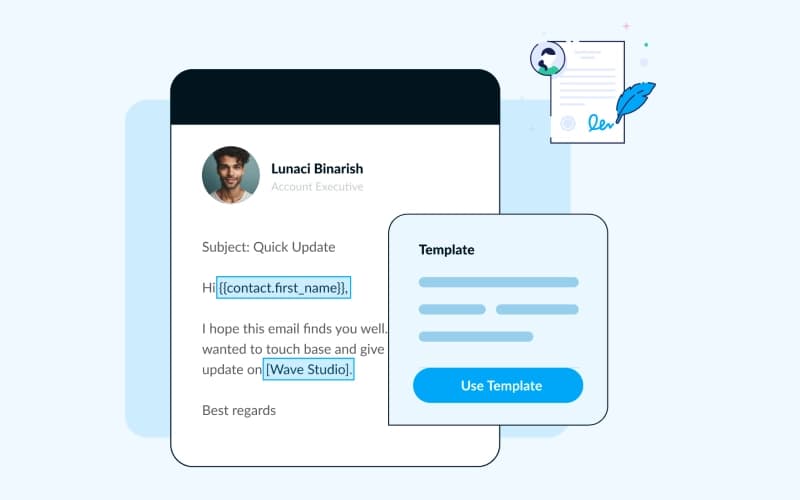
For high-stakes prospects, users can set the system to manual approval. Bluetick will draft the follow-up based on your template but wait for you to review and personalize the message before it is officially sent.
Pros And Cons of Bluetick
Pros
The platform is easy to set up and manage
Prevents awkward follow-ups by accurately detecting replies
Comes with a lightweight CRM included for easy contact management
Cons
Lacks a native mobile application for on-the-go sequence management
Lacks the deep sales intelligence feature that comes with some of its larger competitors
Bluetick Reviews
Total 1 reviews
4
All reviews are from verified customers
Rating Distribution
5
Stars0%
4
Stars100%
3
Stars0%
2
Stars0%
1
Stars0%
Share your experience
Amna A.
Small Business, 11-50 employees
“My review”
Pros
The personalized email follow ups are really useful and customizing them to fit different needs is pretty easy.
Cons
A downside is that some emails end up in spam or junk folders and the reporting doesn't update in real time.
Rating Distribution
Ease of use
8
Value for money
7
Customer Support
8
Functionality
7
Frequently Asked Questions
What other apps does Bluetick integrate with?
Bluetick pricing is offered in Solo ay $50/month, Team at $150/month, and Agency at $500/month plans. Reach out today for a detailed Bluetick price estimate.
Who are the typical users of Bluetick?
Bluetick software integrates with various third-party apps via Zapier.
Does Bluetick have a mobile app?
The vendor hasn’t provided details about API availability
What language does Bluetick support?
No, it doesn’t offer a mobile app.
What types of pricing plans does Bluetick offer?
The platform’s primary interface is in English.
What level of support does Bluetick offer?
Typical users of Bluetick features are businesses in different industries and sectors, such as healthcare, fitness, sports, and technology.