


Zoho TeamInbox
Last Updated
Overview
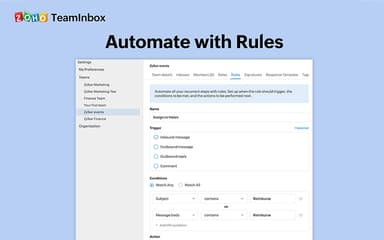
Zoho TeamInbox brings structure to shared inbox chaos with task assignment, automation, and team-wide visibility. It's easy to use and great for managing both group and personal emails in one place. While reporting tools are basic, it’s an ideal match for teams that prioritize communication flow over complex metrics.
Be the first one to leave a review!
No review found

Starting Price
Custom
Zoho TeamInbox Specifications
- Real-Time Communication
- File Sharing & Management
- Task & Project Management
- Integration with Other Tools
Zoho TeamInbox Features
Clean Inbox
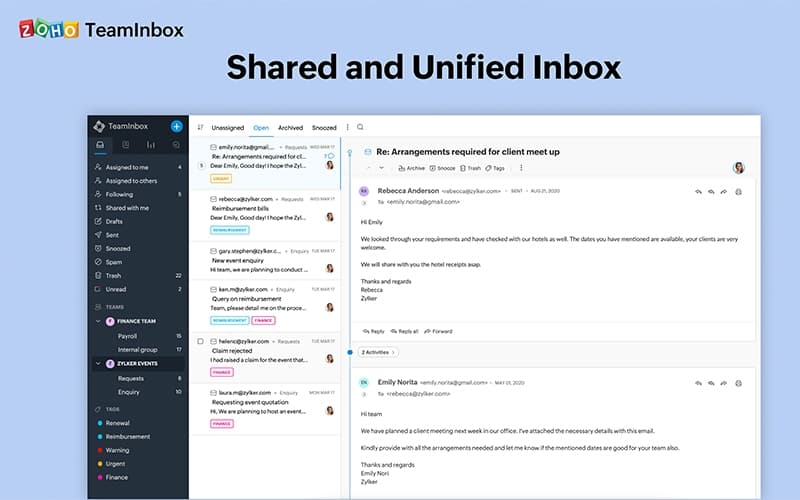
Zoho TeamInbox provides tools to maintain an organized and efficient inbox. It allows users to delegate threads to owners for clear accountability and snooze non-urgent emails to reduce clutter. Shared tags allow for quick information retrieval, while archiving keeps the active inbox streamlined.
Personal Inbox
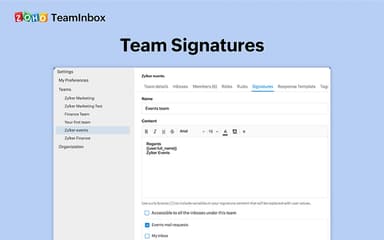
Using this feature, users can integrate their personal email accounts directly into the platform, eliminating the need to switch applications. They can send emails using their personal sender address and maintain private tags, rules, and templates for individual inbox management.
Collaboration
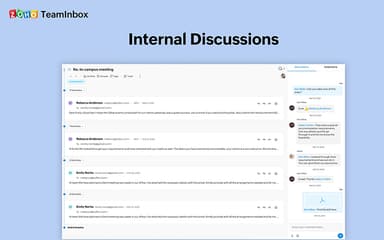
Zoho TeamInbox fosters seamless internal communication and teamwork. Teams can co-author email replies in real-time, ensuring consistent and accurate responses. For new hires, an ‘Observer’ role allows them to learn processes by viewing threads without directly handling live emails, simplifying onboarding.
Pros And Cons of Zoho TeamInbox
Pros
Enables multiple users to manage a shared inbox collaboratively
Allows email assignment to team members, ensuring clear responsibilities
Offers email tracking system to handle large volumes of messages
Cons
Doesn’t integrate with Zoho Mail
Requires a paid support plan for timely assistance
Zoho TeamInbox Reviews

No reviews yet!
Be the first to review this product
Frequently Asked Questions
What level of support does Zoho TeamInbox offer?
Zoho TeamInbox offers support through email and a ticket system.
What other apps does Zoho TeamInbox integrate with?
Zoho TeamInbox integrates with various native and third-party apps and tools, including Zoho CRM and n8n.
Does Zoho TeamInbox offer a mobile app?
Yes, it offers mobile applications for Android and iOS devices.
What language does Zoho TeamInbox support?
The software supports multiple languages. However, the vendor hasn’t provided information about these languages.
Does Zoho TeamInbox offer an API?
The vendor hasn’t specified information about Zoho TeamInbox’s API availability.
What types of pricing plans does Zoho TeamInbox offer?
Businesses can choose from two Zoho TeamInbox price plans, including Starter ($6/user/month) and Professional ($9/user/month), with a 14-day free trial. Moreover, the vendor also offers three mobile-only plans, including Solo ($0.99/month), Team ($4.99/month), and Team Plus ($7.99/month). Get in touch with us for a tailored Zoho TeamInbox cost estimate.
Who are the typical users of Zoho TeamInbox?
The software suits businesses operating in various industries and sectors, including consultancy, non-profit, customer support, and marketing.