Add to Compare
Add to Compare
Add to Compare
Compare Canvas LMS vs Kangle
Overall Rating
9
0
8
0
8
0
9
0
Specifications
Pros and Cons
Pros
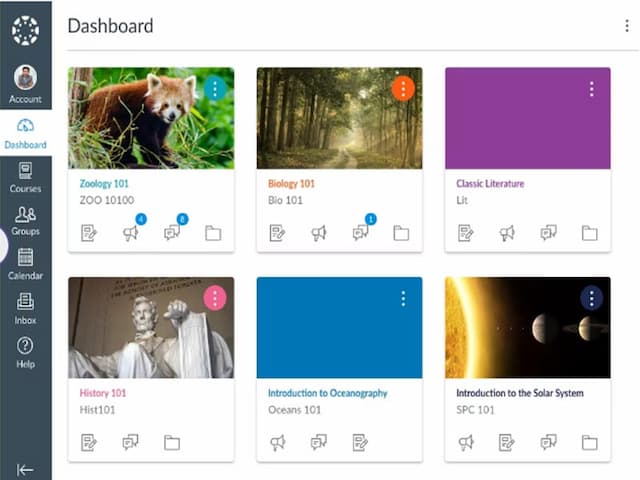
Easy to use interface for both instructors and students
Provides analytics and reports on course and student data
Customizable course layouts for personalized learning experiences
Mobile-friendly design for convenient access to course materials on any device
Free version available for students and teachers
Kangle allows users to create structured learning paths with quizzes and assessments
It works on both mobile and desktop, making it easy to learn anywhere
Users can upload and manage videos, PDFs, and other files easily
Cons
Limited customization options for a few advanced features
Dependency on stable internet connection for accessing course materials
Integration often requires third-party API connections
Extensive capabilities may initially overwhelm users