Add to Compare
Add to Compare
Add to Compare
Compare Canvas LMS vs Virtual Slate
Overall Rating
9
0
8
0
8
0
9
0
Specifications
Pros and Cons
Pros
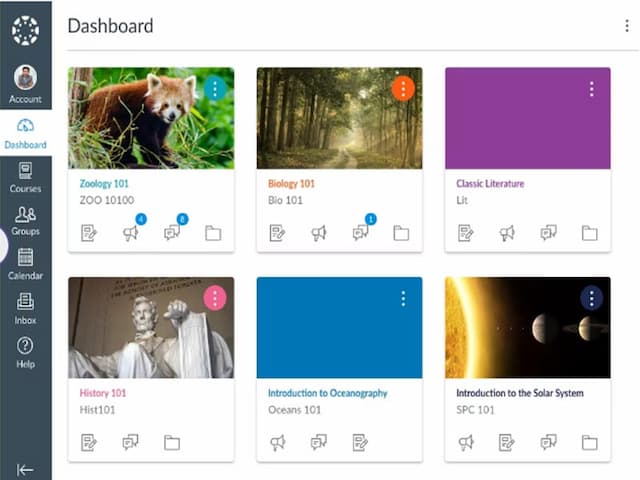
Easy to use interface for both instructors and students
Provides analytics and reports on course and student data
Customizable course layouts for personalized learning experiences
Mobile-friendly design for convenient access to course materials on any device
Free version available for students and teachers
Offers a mobile-friendly interface
Provides various customization options including images, logos, and more
Supports unique access codes to enroll users into cohorts
Includes bulk actions utility to perform repetitive administrative tasks
Cons
Limited customization options for a few advanced features
Dependency on stable internet connection for accessing course materials
It may require Moodle as the base platform to function
Performance can be slow under extensive load
It may offer limited features for higher education