Add to Compare
Add to Compare
Add to Compare
Compare Jotform vs Amberlo
Overall Rating
9
9
10
10
10
9
10
9
Specifications
Pros and Cons
Pros
Improved back-end features and reporting functions
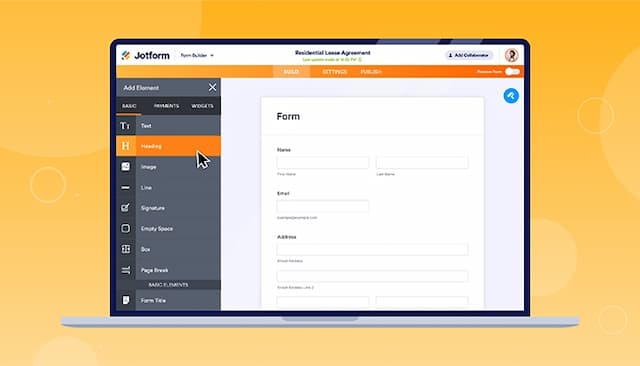
Easy-to-use form creator with customization and image upload options
Streamlines processes with digital forms and PDF reports
Offers seamless integration with popular platforms
Simple, intuitive design saves time learning and navigating
Responsive support and feedback-driven updates keep the system evolving with user needs
Calendar sync and time tracking make workload management more efficient
Automatic invoicing and payment reminders improve cash flow and reduce delays
GDPR-compliant storage gives peace of mind on data security
Affordable pricing makes it accessible without sacrificing functionality
Cons
Hard to read and fill out forms on mobile due to screen cutoff
Outdated verification process can result in data loss if locked out
Some integrations may still be missing
Mobile app could offer more functionality for on-the-go work
Some financial and reporting tools need fine-tuning for clearer insights
Language and labeling in certain areas may cause minor confusion
Task prioritization and advanced tracking could be enhanced for smoother team coordination