Add to Compare
Add to Compare
Add to Compare
Compare Jotform vs MyLegalSoftware
Overall Rating
9
9
10
9
10
9
10
9
Specifications
Pros and Cons
Pros
Improved back-end features and reporting functions
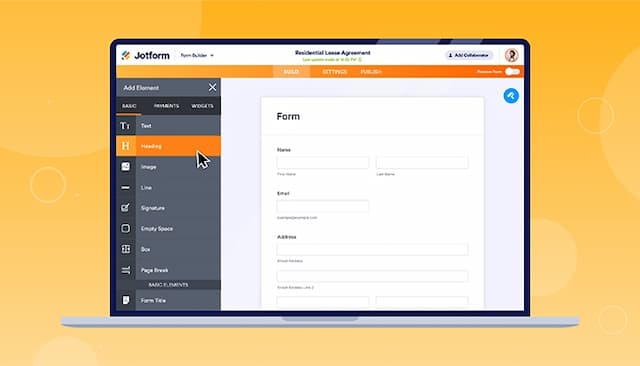
Easy-to-use form creator with customization and image upload options
Streamlines processes with digital forms and PDF reports
Offers seamless integration with popular platforms
Centralizes case tracking, billing, and client communication
Supports over 450 integrations with popular tools
Provides secure document storage and management
Offers more flexibility with over 48 workflows that can be tailored
Cons
Hard to read and fill out forms on mobile due to screen cutoff
Outdated verification process can result in data loss if locked out
Some users may have to log in repetitively
The platform’s custom forms may be slightly difficult to use for some users