Add to Compare
Add to Compare
Add to Compare
Compare Nexonia Expenses vs Crunchr
Overall Rating
Ease of Use
9
10
Customer Support
8
10
Value for Money
9
10
Functionality
9
9
Specifications
Alerts/Notifications
Audit Trails
Bank Reconciliation
Billing and Invoicing
Budgeting and Forecasting
Customizable Reports
Expense Tracking
Financial Reporting
Financial Statements
Invoice Management
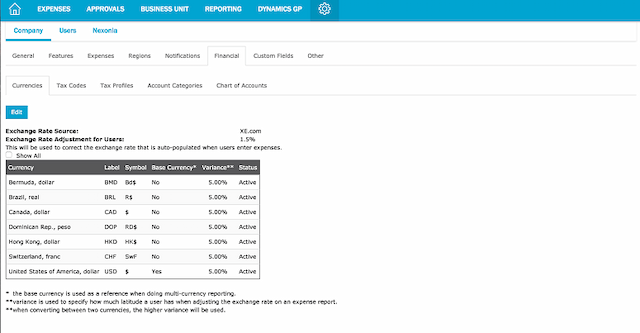
Multi-Currency Support
Payroll Processing
Tax Management
Vendor Management
Pros and Cons
Pros
Customizable approval workflows that adapt to business changes
Automatic financial updates through seamless integrations
Simplifies expense management with secure transaction data imports
Efficiently manages card programs
Intuitive interface with easy navigation
Comprehensive reporting capabilities
Fast setup and responsive support team
Cons
Configuration can be complex and requires in-depth system knowledge
Live chat support is limited to normal business hours, which may be challenging for global or 24/7 operations
Minor glitches due to Mac OSX limitations
Original sign-up email required to resume subscription