Add to Compare
Add to Compare
Add to Compare
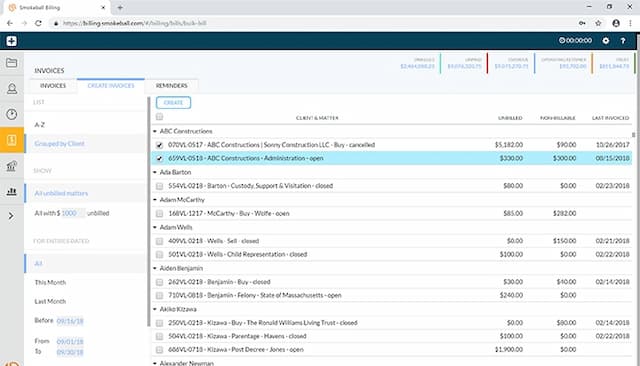
Compare Smokeball vs Onit
Overall Rating
Ease of Use
9
7
Customer Support
10
8
Value for Money
9
8
Functionality
9
7
Specifications
Billing & Invoicing
Case Management
Client Management (CRM)
Compliance & Security Features
Court Calendaring & Scheduling
Document Automation/Assembly
Document Management
e-Signature
Reporting and Analytics
Time Tracking
Trust Accounting
Workflow Automation
Pros and Cons
Pros
Intuitive interface that easily manages files, documents, and calendars
Offers a template library and automation tools to generate documents
Quick e-filing of pleadings via built-in InfoTrack integration
Easy to store files and search them through search engine
Customizable no‑code workflow studio and APIs
Scalable architecture fits large enterprise legal departments
AI‑native framework automates repetitive manual tasks
Cons
Initial setup can take time
Reporting feature could be made simpler, according to software users
Trust accounting not offered
Implementation may require dedicated legal‑ops resources
Customer support response times may vary
Pricing
Boost