Whether you run a small business or an enterprise, payroll can quickly become complicated if not managed carefully. Inefficient payroll processes often lead to underpayments or overpayments, missed filing deadlines, and incorrect benefits deductions; issues that can cost far more than investing in reliable payroll software.
This is where reliable payroll systems can help you. Among these, Square Payroll and QuickBooks Payroll remain preferred choices for many. But which one is better out of the two? Find out in this comprehensive Square Payroll vs QuickBooks guide.
Square Payroll Overview
Square Payroll is a cloud-based payroll service that makes managing taxes, payroll, and regulatory compliance easy and in one place. Being closely integrated with POS software, it seamlessly keeps track of employee clock-ins/outs through Square Team App to import work hours into the payroll system. The software also supports multiple employee types, including W-2 and 1099 workers, and accommodates salary, hourly, or custom pay structures with minimal effort.
You can conduct payroll a couple of days before your team’s pay date with Square Payroll. This results in providing more time and flexibility to handle payroll. The software claims to ‘make payroll a breeze’ with advanced features such as health insurance, retirement, accounting, and tax compliance. Moreover, it can support numerous types of businesses, including food and beverage, retail, home and repair, and contractor-only.
Unique Features
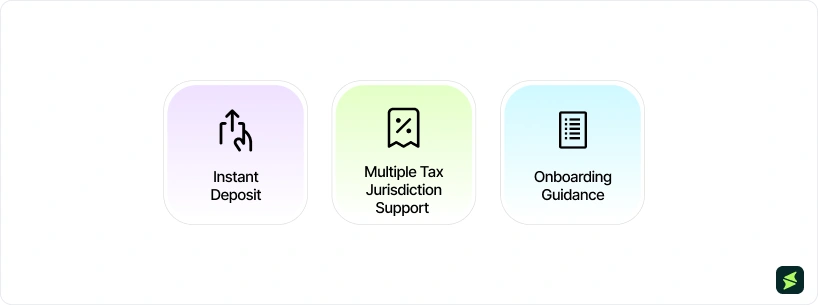
Instant Deposit: Cash App can be used by eligible users to get paid two days before their pay date by using the Instant Deposit feature
Onboarding Guidance: Users receive customer support to help them throughout the entire onboarding process to help them use the software to its maximized potential
Multiple Tax Jurisdiction Support: Remittance of tax payments and finalization of tax filings applicable to the user’s tax agency, based on their state or tax jurisdiction, is done on their behalf
Pros And Cons
Pros
Cons
Automatically calculate tips to avoid any miscalculations
Digitizing tax filings and payments can help avoid any miscalculations
Seamless conversion of work timecards into payroll processing of wages
Pay period and dates may be rigid, not allowing the user to make changes
Considered inconvenient for non-profits, as FUTA cannot be turned off
QuickBooks Overview
QuickBooks automates payroll and tax filings by handling withholding taxes, calculating wages, and depositing funds directly. With its Payroll Agent, time and attendance data are automatically retrieved to detect trends. In the case of any inconsistencies, the agent reaches out to the admin with payroll updates, which makes this entire process remote and deskless.
The software also offers an advantage to small businesses that already use QuickBooks Accounting. This way, they do not need a separate system to track payroll data for general ledger updates. QuickBooks also lets teams get access to their W-2s, pay stubs, and other payroll data in the app or online. This creates transparency and trust between the business and its employees, which keeps them motivated as they are getting paid fairly.
Unique Features
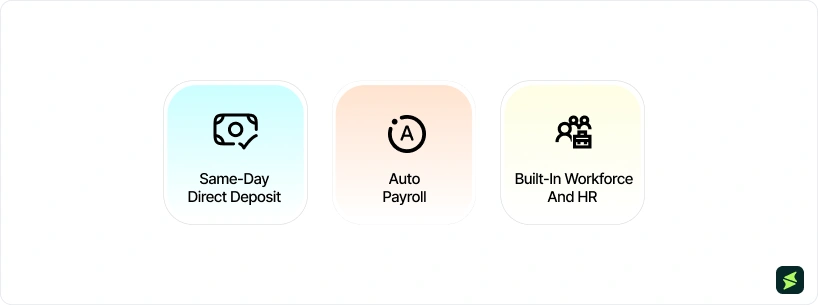
Same-Day Direct Deposit: Employees can get their pay directed to their accounts on the same day it’s delivered, with tax being filed automatically, including tax penalty protection
Auto Payroll: For direct-deposit employees, users can run Auto Payroll without any specific calculations, with the option of approving and reviewing paychecks before they are delivered
Built-In Workforce And HR: Having HR capabilities in a single software can eliminate the need to jump between software to carry out cross-departmental tasks
Pros And Cons
Pros
Cons
Existing users of QuickBooks Accounting do not have to integrate a new software for payroll
User-friendly interface eliminates the need for any sort of training
Assigning user roles has been stated as easy, as it gives the right amount of access
Users report that the software may lag unexpectedly, sometimes resulting in the loss of documentation
Setup may require more time than other QuickBooks modules
Square Payroll Vs QuickBooks: Feature Comparison
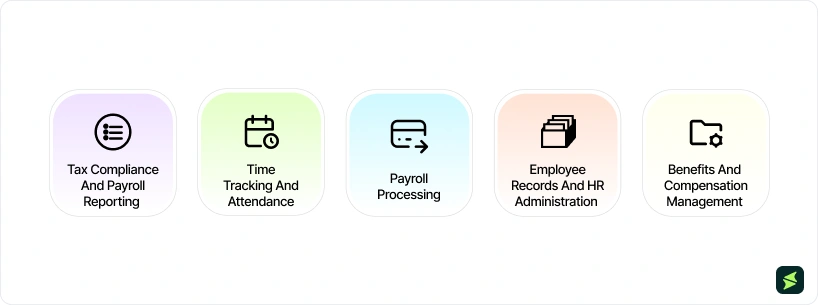
Payroll Processing
Square Payroll allows business owners to step away from payroll concerns and focus their time and energy on higher-value priorities. The software enables this by integrating payroll with timecards, employee apps, and tax filings, all offered through an all-inclusive, flat-fee model with no long-term commitments.
Square Payroll lets your business pay employees instantly if you use it for customer payments and maintaining funds. You can simply pull payroll out of your account to release their pay. This gives the software an edge if the customer is already a part of the Square ecosystem.
QuickBooks, on the other hand, offers next-day deposits for its higher-priced plans. The software takes care of everything from keeping all data in the system to handling taxes. You only have to approve hours from the integrated time clock, and QuickBooks takes care of the rest for you.
You can calculate payroll even based on projects and on an hourly basis, with a sturdy tax penalty protection plan. This plan includes covering tax filing error penalties for up to $25,000/year, regardless of who made the mistake.
Winner:Square Payroll wins as it offers a wide range of payroll features, leading to accurate payroll as compared to QuickBooks, where payroll accuracy exists, but it is mostly available in high-tiered plans.
Time Tracking And Attendance
Square Payroll is directly connected to Square timecards/shifts to allow hours, breaks, overtime, tips, and commissions to appear in payroll. This can be handy if you are already using POS and scheduling in Square. Through their timecards, team members will be able to clock in/out and check work summaries, thus minimizing manual timesheet cleanup.
QuickBooks Payroll does time tracking using QuickBooks Time and the Workforce app experience. The mobile timesheets allow employees to clock in/out, and the hours can be reviewed and approved by managers on the go. Some Payroll plans (Premium/Elite) come with time tracking, which may be important in attempting to evade add-on expenditure.
Winner:Square Payroll wins due to providing almost the same features but at a lower cost than QuickBooks, and providing clarity through their extensive reports and summaries.
Tax Compliance And Payroll Reporting
Square Payroll automates year-end forms and core payroll taxes reporting. It produces W-2s/1099s and manages the most important federal filings, 941/940/944 (as needed). This can be useful to small teams with fewer compliance points of contact. The software also allows for finding specific amounts of tax per run in the Withdrawal Summary. Moreover, Square Payroll follows security and privacy standards like PCI and HIPAA that are considered industry-leading.
QuickBooks does tax filing in a secure way that creates transparency between the business and the user. Any miscalculation leading to discrepancies can be overcome by the software with its tax penalty protection of $25,000. Despite whoever made the error, QuickBooks or the user, QuickBooks will be paying the penalty amount. This builds the user’s trust in automated tax calculations on top of the access to any tax withheld reports.
Winner:QuickBooks wins as tax penalty protection can lower risks of financial exposure for businesses.
Employee Records And HR Administration
Square Payroll offers self-service employee records through the employee dashboard/Square Team App. Team members can update personal information, tax withholding information, and direct deposit accounts. As a result, admins can manage job and payroll information of team members. This makes the owner avoid the maintenance of basic employee data in their inbox.
QuickBooks Payroll puts employee access at the center of QuickBooks Workforce. Employees can see pay stubs/W-2s and update personal or tax-withholding information (generating an updated W-4 form). It also places add-on HR support through ‘Mineral’ for those teams that want more than just payroll administration.
Winner:QuickBooks wins as it provides a clearer path into HR advisory and employee self-service in the Intuit ecosystem.
Benefits And Compensation Management
Square Payroll also allows benefits deductions/contributions to be supported by payroll. This ensures benefits can be accurately calculated and funds made available for distribution to benefit providers. Additionally, the taxability and reporting of benefits are handled appropriately based on each benefit type. Square also advertises the use of add-ons such as health plans, workers' comp, and 401(k) (through partners). These additional features can be appealing in case you are building an employment benefits piece after piece.
The benefit management of QuickBooks Payroll includes health insurance, 401(k) (by Accure and Human Talent), and workers’ comp, which are handled via the payroll account as well as workers’ comp workflows. These are integrated (provider-dependent) and are presented as pay-as-you-go. This is suitable for teams that desire benefits and payroll to be brought under a single Intuit umbrella.
Winner:Tie - Square Payroll stands out if you prefer partner-based add-ons with payroll synced deduction; QuickBooks excels if you want benefits as part of the broader HR/payroll stack with integrated workers’ comp workflows.
Pricing And Value Comparison
Square Payroll Pricing
Square Payroll offers two paid plans tailored for businesses with contractors or employees, starting with $35/month. The plans include:
Full-Service Payroll: $35/month (+$6 monthly fee per person)
Contractor-Only Payroll: $6/month
Disclaimer: The pricing is subject to change.
QuickBooks Pricing
The pricing plans of QuickBooks are distinctive, based on the number of users and the depth of features the user requires. The plans start from $38/month and are as follows:
Simple Start: $38/month
Essentials: $75/month
Plus: $115/month
Advanced: $275/month
Disclaimer: The pricing is subject to change.
Final Verdict: Square Payroll Or QuickBooks?
The final decision between Square Payroll and QuickBooks ultimately depends on which solution best fits your workflow. Square Payroll is typically ideal for businesses already using Square POS, while QuickBooks is better suited for teams that prioritize accounting-driven payroll and stronger compliance features. Your choice should reflect the level of compliance support, automation, and ecosystem integration your current payroll process requires.