Add to Compare
Add to Compare
Add to Compare
Compare Canvas LMS vs Qstream
Overall Rating
9
0
8
0
8
0
9
0
Specifications
Pros and Cons
Pros
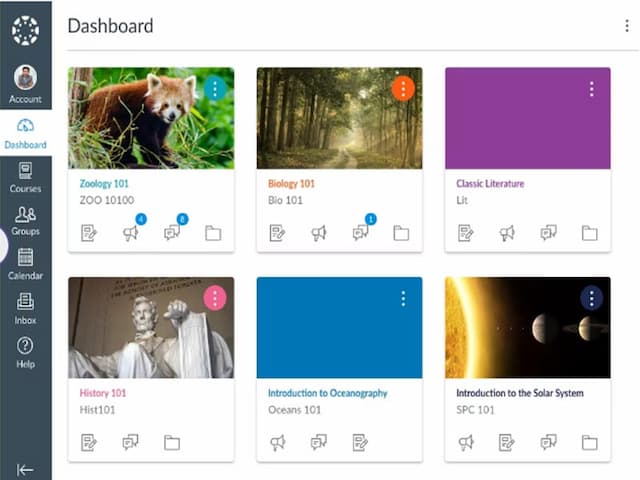
Easy to use interface for both instructors and students
Provides analytics and reports on course and student data
Customizable course layouts for personalized learning experiences
Mobile-friendly design for convenient access to course materials on any device
Free version available for students and teachers
Boosts retention using microlearning and spaced repetition
Offers detailed analytics for performance-based coaching
Provides mobile access for flexible, on-the-go learning
Integrates smoothly with existing corporate training systems
Motivates learners through leaderboards and achievement badges
Cons
Limited customization options for a few advanced features
Dependency on stable internet connection for accessing course materials
Limited quiz customization for branding and instruction
Third-party LMS integration often requires manual configuration