Add to Compare
Add to Compare
Add to Compare
Compare Keymakr vs Vectorizer.AI
Overall Rating
Ease of Use
10
0
Customer Support
10
0
Value for Money
10
0
Functionality
10
0
Specifications
Anomaly Detection and Predictive Maintenance
Automation
Bot Design & Deployment
Context Awareness
Defect Detection Using Image Analysis
Entity Extraction with Text Analytics
Multi-Language Support
Natural Language Dialogue
Predictive Capabilities
Self-Service Dashboards
Smart Data Discovery
Text to Speech & Speech to Text
Visual Recognition
Pros and Cons
Pros
Highly scalable
Simplifies the process of giving feedback on ongoing labeling projects
Capability to adapt to various inconsistent workflows
Easy to set up new annotation tasks
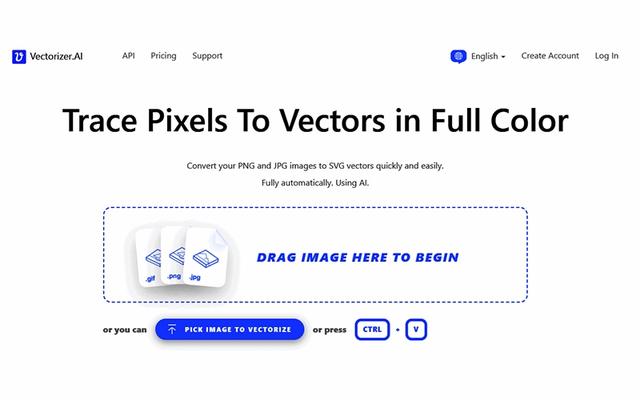
Features a fully automatic and fast image-to-vector conversion process
Produces very high-quality, clean vector outputs
Supports road export formats (SVG, PDF, EPS, DXF)
Cons
Some users add that sometimes it leads to more labeling iterations than required
Updates for the user interface to streamline the annotation review process could be helpful, according to some software users
Occasional performance lags when processing very complex images
Interface complexity can initially overwhelm new users