


Huggy
Last Updated
Overview
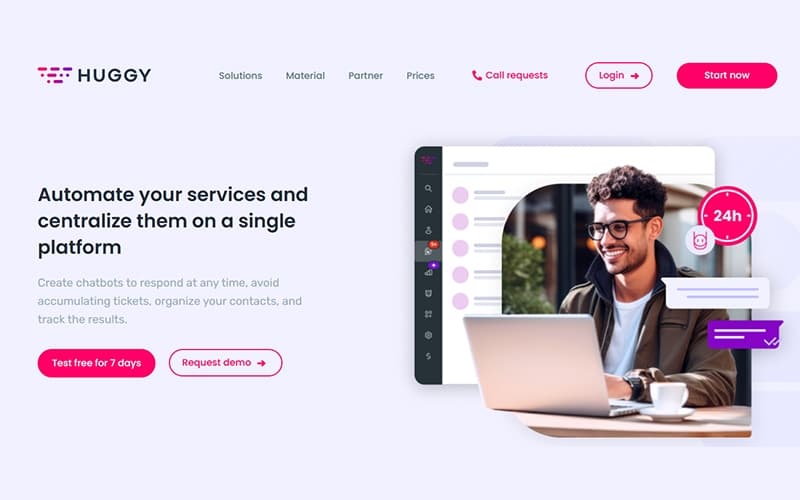
Huggy centralizes digital customer service, streamlining communication through unified inboxes and automation. While setting up advanced flows requires initial effort, its intuitive interface eventually simplifies daily operations. Nonetheless, its robust analytics and omnichannel support ensure efficient service delivery. Overall, Huggy enhances customer engagement and operational productivity for growing businesses.
Huggy Specifications
- Live Chat
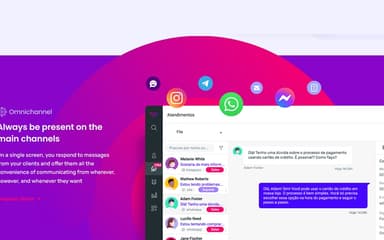
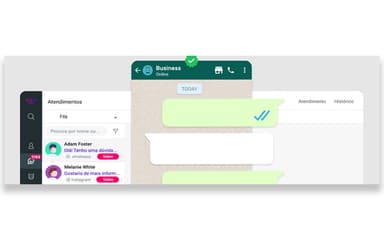
- Omnichannel Support
- Customer Profiles
- Email Management
Huggy Features
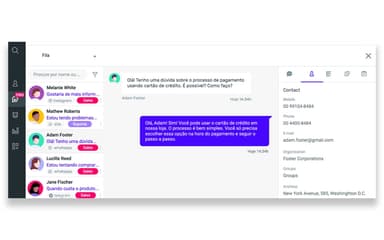
Access Customer History
This feature enables agents to view a complete history of customer interactions across all channels in one centralized inbox. It ensures that support teams have full context for every conversation, improving resolution speed and personalization.
Real-Time Agent Monitoring
Huggy provides a dashboard for managers to monitor agent performance and service queues in real time. This tool helps identify bottlenecks and optimize team productivity by tracking metrics like wait times and active chats.
Conversation Page
The platform offers a customizable chat window that can be embedded on websites to facilitate direct communication with visitors. It supports file sharing, audio messages, and video, enabling rich, interactive customer support experiences.
Automation Flow
The software allows businesses to build automated service workflows using a visual editor to handle repetitive tasks without coding. It ensures that customers receive immediate responses and directs complex queries to the appropriate human agents efficiently.
Contacts Management
Huggy organizes all customer data into a single, segmented list that updates automatically based on interactions. It allows agents to tag, categorize, and manage contacts effectively, ensuring targeted communication and better relationship management.
Pros And Cons of Huggy
Pros
Its omnichannel approach centralizes all communication channels
The automated chatbots handle repetitive customer queries
Real-time analytics seamlessly track team performance metrics
Cons
The setup requires some initial technical knowledge
Occasional delays in cross-channel message syncing
Huggy Reviews
Total 1 reviews
4
All reviews are from verified customers
Rating Distribution
5
Stars0%
4
Stars100%
3
Stars0%
2
Stars0%
1
Stars0%
Share your experience
Information Services, N/A employees
“multichannel support that delivers”
Pros
Being able to connect most of your customer service channels in one place, WhatsApp, Messenger, chatbot and email, makes a big difference. It really helps with managing productivity and gives you a clear way to assess overall service quality.
Cons
Tutorials could be better and more simple especially during the setup process. Things tend to go much more smoothly when you're working directly with a rep.
Rating Distribution
Ease of use
6
Value for money
8
Customer Support
7
Functionality
10
Frequently Asked Questions
What types of pricing plans does Huggy offer?
The Huggy price ranges across the following plans: Starter (R$0,00/user/month), Intermediate (starts at R$729/user/month), and Custom (starts at R$1.239/user/month). Request a personalized Huggy pricing quote for your business.
What level of support does Huggy offer?
Huggy provides support through email, phone, chat, form submission, a help center, and general resources, such as guides and videos.
Does Huggy offer an API?
Yes, Huggy offers an API.
Does Huggy have a mobile app?
Yes, Huggy offers a mobile app for both Android and iOS devices.
What language does Huggy support?
Huggy is available in English, Portuguese, and Spanish.
What other apps does Huggy integrate with?
Huggy software integrates with various third-party platforms, such as HubSpot, Mailchimp, Salesforce, and PipeRun.
Who are the typical users of Huggy?
The typical users of Huggy features are from different industries, including financial services, professional services, healthcare, and retail.