


Solumina MES
Last Updated
Overview
Solumina MES is an all-inclusive manufacturing execution system designed to streamline production, ensure quality, and enable precise traceability. Bid farewell to production bottlenecks and compliance headaches. Improve productivity, cut expenses, and enhance your manufacturing processes. Elevate your operations with Solumina MES. Ready to optimize your production? Begin with Solumina today.
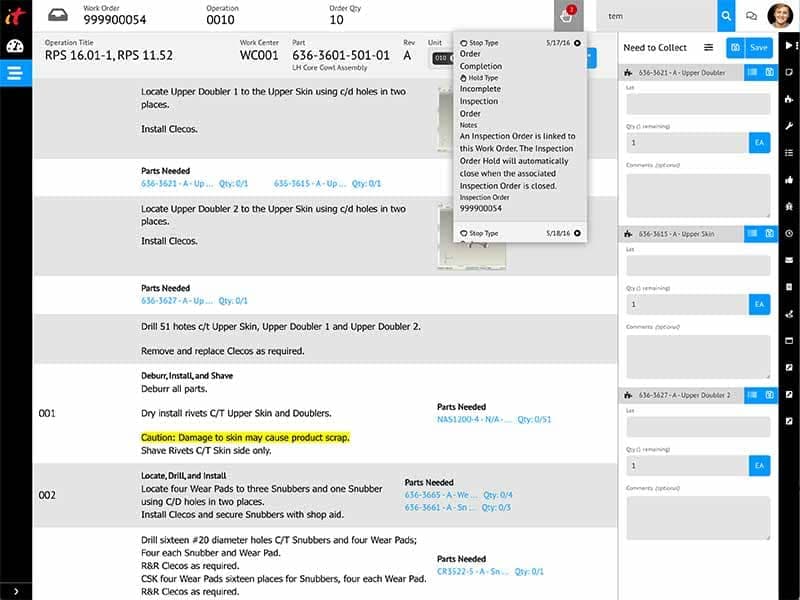
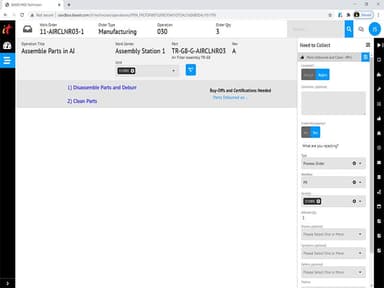
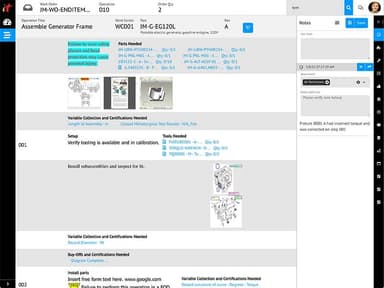
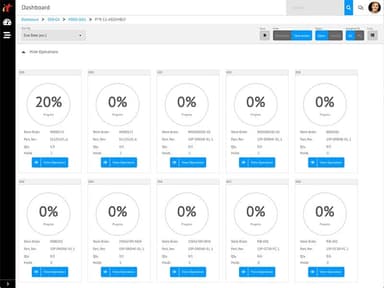
Solumina MES Specifications
- Production Planning
- Inventory Management
- Quality Control
- Supply Chain Management
Solumina MES Features
Resource Management
Solumina MES allows manufacturers to efficiently allocate and track equipment, materials, and personnel. It evaluates machine and tooling compatibility to ensures the usage of the most suitable equipment for each task. The software provides optimal utilization of resources, minimizes downtime, and improves overall production efficiency.
Product Tracking And Genealog
This functionality enables users to manage complex manufacturing processes involving numerous parts and subassemblies. It ensures the availability of correct parts, promoting efficiency and reducing the risk of errors. The software tracks all materials, parts, and components through various work centers.
Performance Analysis
You can get real-time insights into key performance indicators (KPIs) across manufacturing operations using this feature. It enables manufacturers to identify bottlenecks, monitor productivity, analyze trends, and make data-driven decisions to optimize performance.
Process Execution Management
This feature allows manufacturers to enforce standardized workflows and ensure efficient execution at every manufacturing process step. The software provides the latest updates to work instructions. It ensures consistency in process execution and minimizes errors.
Process Definition Management
The software enables manufacturers to manage the numerous processes of producing complex products. It ensures employees can access the latest instructions, reducing confusion and enhancing productivity.
Pros And Cons of Solumina MES
Pros
Streamlines and optimizes the entire manufacturing process
Provides real-time performance analysis
Facilitates process definition management for complex manufacturing products
Enforces standardized workflows for efficient process execution
Cons
Initial setup complexity, according to some Solumina reviews
Solumina MES Reviews
Total 41 reviews
4
All reviews are from verified customers
Rating Distribution
5
Stars34%
4
Stars41%
3
Stars20%
2
Stars5%
1
Stars0%
Share your experience
Not Specified, 500+ employees
“Good way to learn with free access”
Pros
I find it user-friendly and easy to learn, especially with the availability of various training resources.
Cons
Having a hands-on approach would be very helpful. Also if a sandbox is provided, it will improve the learning curve and prove beneficial.
Rating Distribution
Ease of use
10
Value for money
9
Customer Support
10
Functionality
10
Not Specified, 101-500 employees
More than a year
“good products”
Pros
The software offers great features that greatly assist with day to day processes.
Cons
Some of the features need to be made more user friendly.
Rating Distribution
Ease of use
6
Value for money
6
Customer Support
8
Functionality
6
Aviation, 101-500 employees
More than a year
“Good and Bad”
Pros
It can be easily configured to suit specific needs and processes.
Cons
Custom reports require additional payment. Since the information needed for data mining keeps changing, it's impossible to create my own reports based on my needs.
Rating Distribution
Ease of use
10
Value for money
8
Customer Support
8
Functionality
8
Frequently Asked Questions
Does Solumina MES offer an API?
What language does Solumina MES support?
What other apps does Solumina MES integrate with?
Does Solumina MES support mobile devices?
What types of pricing plans does Solumina MES offer?
Soluminia pricing plans depend on your organization’s size and needs. Please click Get Pricing for a customized pricing quote.