


MX-ProjectManager
Last Updated
Overview
Elevate the project management domain with MX ProjectManager, a robust and refined platform offering solutions for project planning, tracking, and collaborative execution. Ensure successful project execution, effortlessly empowering your team to achieve project milestones. Drill further for more details about its features and pricing.
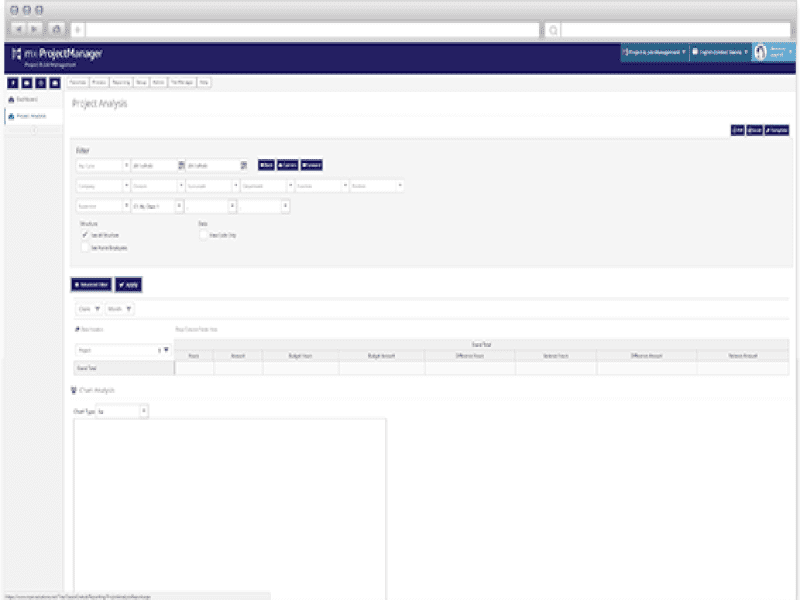
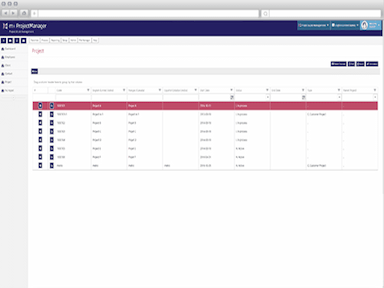
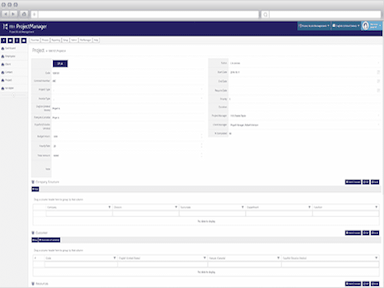
MX-ProjectManager Specifications
- Time Tracking
- Task Management
- Reporting
- Budget Management
MX-ProjectManager Features
Project Planning and Scheduling
The MX-ProjectManager Project Planning and Scheduling feature helps keep your employees organized and on track. With this feature, you can create projects that include information such as task stages, deadlines, objectives, and more, so employees can work efficiently. This makes it easy for your employees to see what work needs to be done immediately. Additionally, the MX-ProjectManager Project Planning and Scheduling Feature allows you to track progress and monitor performance. This way, you can ensure that your projects are on track and that your employees meet their objectives.
Resource Management
MX-ProjectManager is a powerful project management tool that helps you easily manage and track your resources. With its easy-to-use interface, you can quickly add and edit your resources, assign tasks, and track progress. MX-ProjectManager is a helpful tool for any project manager who wants to optimize resource utilization.
Reporting/Project Tracking
MX-ProjectManager provides various reports that can help you identify potential areas of improvement in your management. With the help of these reports, you can track your project's progress, assess the financial performance of individual projects, and monitor your project portfolios.
Pros And Cons of MX-ProjectManager
Pros
Provides a centralized view of all project details and tasks
Enables real-time time tracking and work hours logging
Facilitates resource allocation and budget monitoring to ensure adherence to project financial goals
Allows for project cost analysis and expense reporting
Integrates seamlessly with other business systems for enhanced productivity
Cons
Some users may find the customization options restrictive for their specific needs
Initial learning curve for new users
Customer support response times may vary
MX-ProjectManager Reviews
Total 2 reviews
5
All reviews are from verified customers
Rating Distribution
5
Stars100%
4
Stars0%
3
Stars0%
2
Stars0%
1
Stars0%
Share your experience
Manufacturing, 51-100 employees
Less than 6 months
“Mpex for good HR monitoring”
Pros
I really like the flexibility the software peovides to customize every element of the file according to our company requirements.
Cons
The software doesn't have the most intuitive interface, and it takes some time to understand how everything works. However, once you grasp it, everything runs smoothly.
Rating Distribution
Ease of use
8
Value for money
10
Customer Support
8
Functionality
8
Manufacturing, Small Business, 51-100 employees
Less than 6 months
“Mpex for good HR monitoring”
Pros
The software offers the option to customize each element of the file to meet our company's needs.
Cons
The software doesn't possess complete intuitiveness; one needs to have a good understanding of how it works. However, once you grasp the process, everything runs smoothly.
Rating Distribution
Ease of use
8
Value for money
10
Customer Support
8
Functionality
10
Frequently Asked Questions
What type of pricing plans does MX-ProjectManager offer?
MX-ProjectManager's pricing model is subscription-based. You can get custom pricing for the software by clicking on the "Get Pricing".