Add to Compare
Add to Compare
Add to Compare
Compare Pool Brain vs Salesforce Maps
Overall Rating
9
9
10
10
10
10
9
9
Specifications
Pros and Cons
Pros
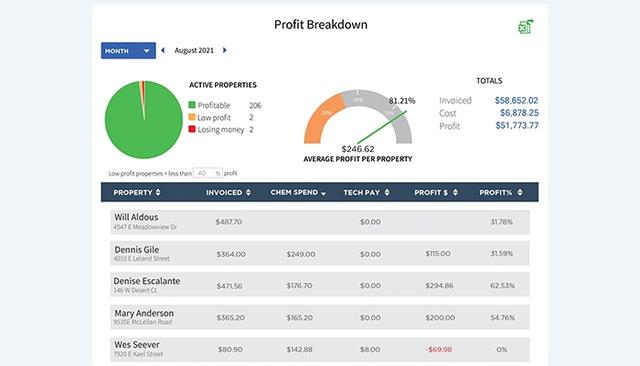
Provides detailed customer service information
Automates payments, schedules, and chemical calculations
Customizable alerts and reporting
Increases work efficiency and reduces administrative tasks
Territory management features define and assign sales regions, reducing overlaps
Real-time tracking enhances responsiveness, enabling faster customer service
Optimizes sales routes to reduce travel to meet more clients
Cons
Limited ability to send emails to specific customers, according to some software users
Mass uploading of customers is not possible without QuickBooks
Requires high-quality CRM data updates, or inaccurate routes may occur
Connectivity challenges in remote or complex terrains can delay map updates