

Chart Links
Last Updated
Overview
Chart Links EMR stands as a versatile solution in healthcare technology, offering a seamless blend of user-friendly design and advanced features. Recognized for its comprehensive approach, it optimizes patient care and practice management. Learn about its features and discover its transformative power.
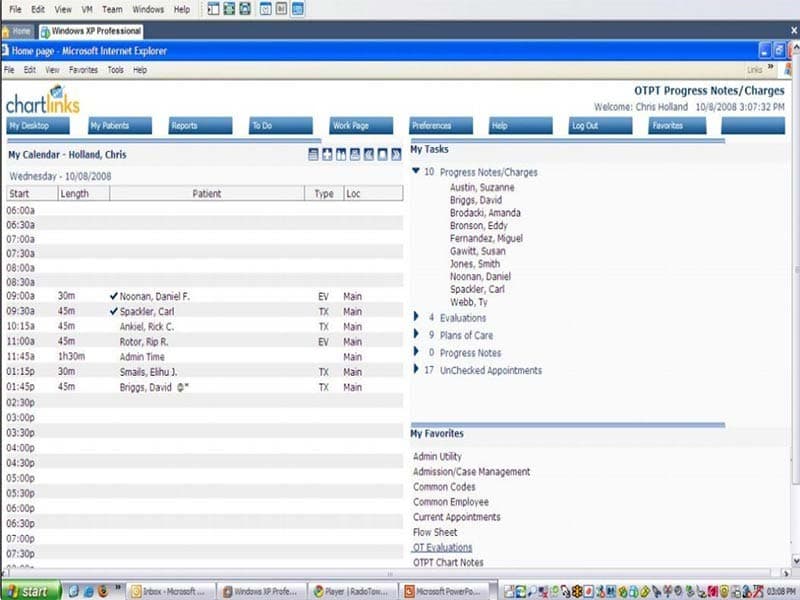
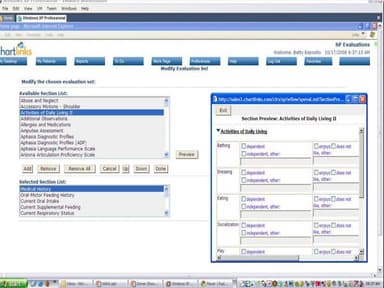
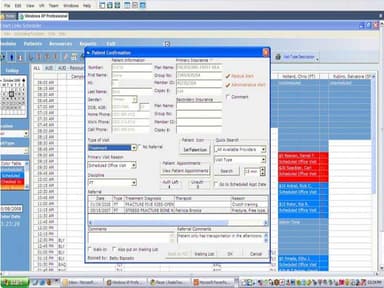
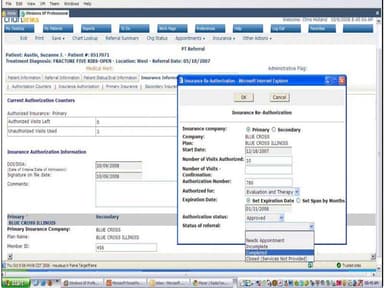
Chart Links Specifications
- Appointment Management/Scheduling
- e-Prescriptions
- Lab Integration
- Patient Portal
Chart Links Features
Appointment Scheduling
Chart Links EMR's robust scheduling feature helps practice managers schedule and reschedule appointments easily. The color-coded grids give a clear visual for appointments on the day and in the coming weeks. The calendar can be updated with changes at any time, allowing staff to ensure everyone is on the same page. The system also allows reminders to be sent out automatically, helping to reduce no-shows and cancellations.
Compliance Tracking
The LinkChart compliance tracking feature enables staff to monitor patient performance and identify improvement areas. It tracks turnaround time, overdue documentation, physician approvals, and therapist productivity. This helps practices identify and address compliance issues before they become a problem.
Documentation
Chart Links EHR provides clinicians with electronic documentation tools that allow them to create and store patient records on a single platform. It also offers access to pre-built templates, allowing the user to fill out patient information quickly. The platform also allows users to share patient records with other healthcare professionals.
Pros And Cons of Chart Links
Pros
User-friendly interface for easy navigation
Automates treatment documentation and charges for billing efficiency
Offers customizable templates tailored to various treatment plans and specialties
Powerful analytics enable informed practice decisions
Electronic charting solution enhances billing efficiency
Cons
Customer support could be improved
Limited customization options for a few advanced features
Potential learning curve for new users, according to some Chart Links reviews
Chart Links Reviews
Total 1 reviews
4
All reviews are from verified customers
Rating Distribution
5
Stars0%
4
Stars100%
3
Stars0%
2
Stars0%
1
Stars0%
Share your experience
Marketing, 500+ employees
“Chart Links”
Pros
I love the scheduling feature! It lets me view my schedule electronically without needing a planner, which I used when working for the city and county. Chartlinks notifies me when patients arrive, making it convenient to have all patient information in one secure place.
Cons
The aesthetics don't appeal to me. It's not visually pleasing, which makes interacting with the database more challenging. The design feels outdated, and the colors make everything blend together, causing fatigue.
Rating Distribution
Ease of use
8
Value for money
7
Customer Support
7
Functionality
7
Frequently Asked Questions
Who are the main users of Chart Links software?
The main users of Chart Links software include practices of all sizes across physical therapy, speech-language pathology, audiology, and occupational therapy specialties.
What level of support does Chart Links software offer?
Chart Links software offers phone, Fax, email, and online form submission support options.
How much does Chart Links software cost?
Chart Links software offers flexible pricing plans that can be customized according to your practice’s requirements. Request a custom pricing quote today!
What are the main features of Chart Links software?
The main features of Chart Links software include scheduling, workflow management, analytics, revenue cycle management, and treatment documentation.
Is Chart Links software cloud-based?
Yes, Chart Links software is cloud-based.