


Practice Director EHR
Last Updated
Overview
Eyecare without integration is an exercise in inefficient busy work. Practice Director EHR changes the game with an intuitive system integrating all clinical and business workflows. Consider leveraging its streamlined approach to effortlessly orchestrate each patient encounter from start to finish. You can learn about its functionality in this profile.
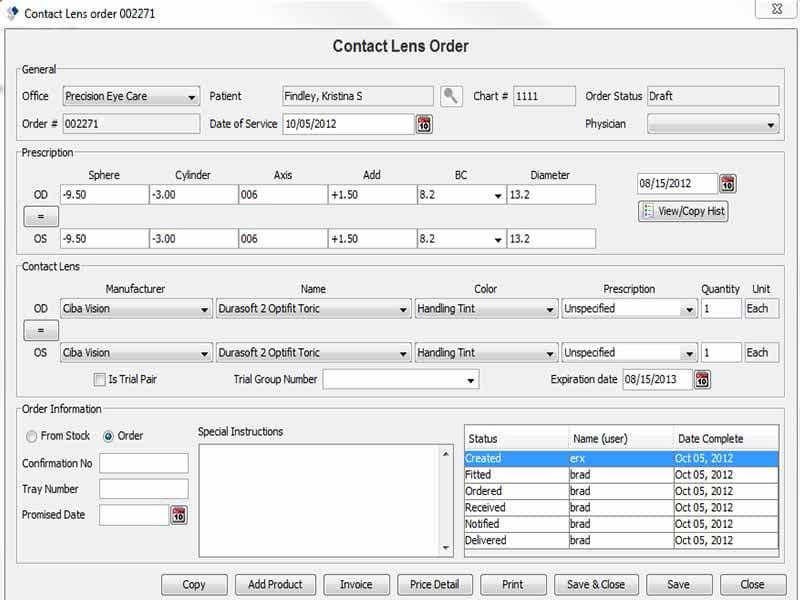
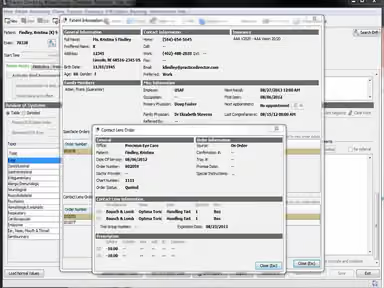
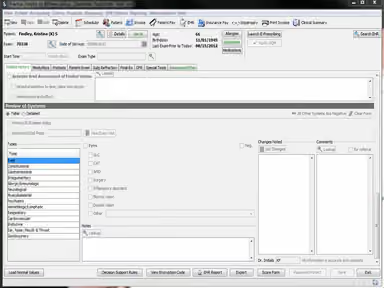
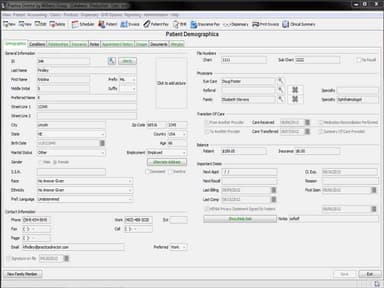
Practice Director EHR Specifications
- Appointment Management/Scheduling
- e-Prescriptions
- Lab Integration
- Patient Portal
Practice Director EHR Features
Appointment Scheduling
It allows users to easily schedule, manage and track appointments. Users can configure available times, manage waitlists and send automated reminders to patients.
Electronic Health Records
It provides a complete electronic patient record system for optometry practices. Users can document patient visits, record findings, add diagnoses, order tests and prescribe medications digitally.
Billing & Insurance
The software handles insurance eligibility checks, claim submissions, payment tracking and billing statements. It also facilitates the setup of payment plans for patients.
Inventory Management
Practices can manage their optical inventory through this feature. It allows tracking product orders and shipments, maintaining Stock levels and reordering inventory items.
Business Analytics
The software provides key metrics, analytics and custom reports related to KPIs like productivity, profitability and performance. This allows users to gain insights into their business operations.
Patient Engagement
It offers features like built-in email and text messaging that allow practices to easily communicate with patients for appointment reminders, recalls, surveys etc. This improves patient engagement.
Pros And Cons of Practice Director EHR
Pros
Web-based with no software installation
Integrated billing and reporting
Great automated patient communication, according to practice director EHR reviews
Customizable for specialties in the eye care industry
Cons
Customization can be better
Frequent update can cause a disturbance in work
Practice Director EHR Reviews
Total 2 reviews
5
All reviews are from verified customers
Rating Distribution
5
Stars100%
4
Stars0%
3
Stars0%
2
Stars0%
1
Stars0%
Share your experience
Healthcare, 1-10 employees
More than a year
“Practice Director is great for optometry practices”
Pros
This is the first EHR program I've used that includes everything from scheduling to billing in one program.
Cons
I would prefer it be web based rather that installed on our computers
Rating Distribution
Ease of use
9
Value for money
10
Customer Support
10
Functionality
10
Healthcare, 11-50 employees
More than a year
“my one concern”
Pros
The customer service is excellent, and the software is very user-friendly.
Cons
Updates are sometimes more annoying than helpful
Rating Distribution
Ease of use
10
Value for money
9
Customer Support
10
Functionality
10
Frequently Asked Questions
What level of support does Practice Director EHR offer?
It offers 24/7 support through phone, email and online chat. Dedicated account managers are also available.
Who are the typical users of Practice Director EHR?
Optometrists, ophthalmologists, retail optical stores and eye care departments within retailers are typical users.
What languages does Practice Director EHR support?
It supports English and can be configured for other languages as well upon request.
Does Practice Director EHR support mobile devices?
Yes, it has a responsive design allowing access through mobile browsers on phones and tablets.
How much does Practice Director EHR cost?
The pricing plans are based on individual needs and requirements. You can contact us for more information.
Is Practice Director EHR free?
No, it is not free software.