

CompanyCam
Last Updated
Key Takeaways
Generated from the text of customer reviews
Our Verdict
Overall Rating
Based on 17 users reviews
4.8
Rating Distribution
Positive
94%
Neutral
6%
Negative
0%
Starting Price
$79
per month
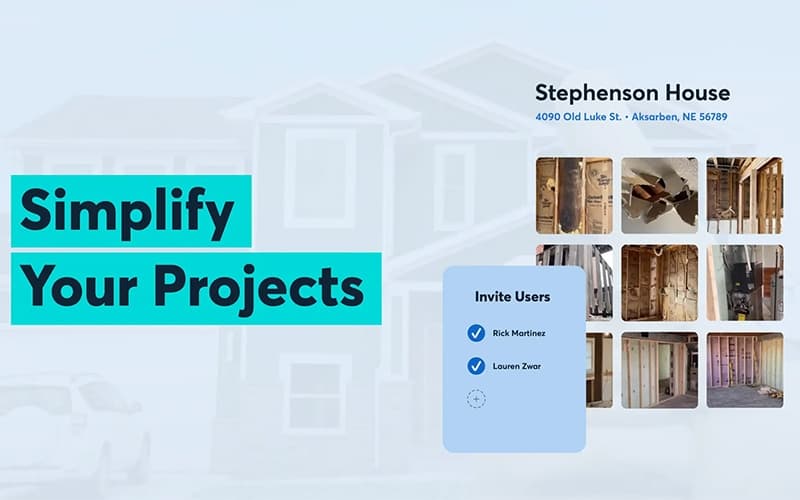
CompanyCam Specifications
- Mobile Access
- Invoicing & Billing
- GPS Tracking
- Reporting & Analytics
CompanyCam Features
Photo And Video Capture
This feature allows teams to document every project with time-stamped and geo-tagged photos and videos. All captured media is instantly uploaded to the cloud and organized by project, ensuring all details are secure and accessible for the entire team from any location.
Annotations
Users can add notes, labels, and drawings directly onto job site photos to highlight crucial details and issues. This feature provides a clear visual context, streamlining communication and reducing the need for lengthy descriptions and verbal explanations among team members.
Galleries And Timelines
The platform allows managers to create professional, shareable photo galleries to showcase project progress to clients and partners. The chronological project timeline organizes all media, notes, and comments, providing a transparent, step-by-step record of the job from start to finish.
Project Feed
This feature allows companies to maintain a real-time project feed that centralizes all photos, videos, comments, and updates in one place. This ensures that every team member, whether in the field or the office, stays informed and on the same page, improving overall project management.
In-App Communication
Office teams can facilitate communication by centralizing discussions within the app, using features like comments and mentions. This keeps teams on the same page without the need for external tools or emails, fostering real-time collaboration and enhancing accountability.
Pros And Cons of CompanyCam
Pros
Shares job-site photos instantly
Stores and organizes in the cloud
Saves time for field service teams
Cons
App can be slow at times
Small syncing glitches may occur occasionally
CompanyCam Pricing
Core | Crew | Scale | Enterprise |
|---|---|---|---|
$79 per month | $149 per month | $249 per month | Custom Pricing |
|
|
|
|
Disclaimer: The pricing details were last updated on Sep 14, 2026 from the vendor's website. Please contact us for a tailored pricing list.
CompanyCam Reviews
Total 17 reviews
4.8
All reviews are from verified customers
Rating Distribution
5
Stars82%
4
Stars12%
3
Stars6%
2
Stars0%
1
Stars0%
Share your experience
Small Business, 11-50 employees
“Helps me stay focused and disciplined”
Pros
I really like how it helps me stay on top of multiple projects and keep everything organized. It makes managing everything so much easier.
Cons
When I click on a project from the list and hit back it takes me all the way to the beginning instead of where I left off.
Rating Distribution
Ease of use
9
Value for money
8
Customer Support
8
Functionality
7
Small Business, 11-50 employees
“I simply love it!”
Pros
Well I am quite impressed with the AI features. I can speak and snap photos and it automatically organizes everything into a neat list, it saves me so much time and effort.
Cons
The AI functionality can be hit or miss though I understand it's still in beta so improvements are coming.
Rating Distribution
Ease of use
9
Value for money
10
Customer Support
10
Functionality
7
Sales & Marketing, 11-50 employees
“Perfect for both the Office and Field”
Pros
The best thing about it is that I can access this from my phone or computer. The roofing crew loves how easy it makes managing projects and honestly, I am on the same page. The learning curve is pretty minor too and once you get going, everything feels smooth.
Cons
Well I have not found any downsides yet. We are really happy with how everything works.
Rating Distribution
Ease of use
10
Value for money
10
Customer Support
10
Functionality
10
Frequently Asked Questions
Does CompanyCam offer an API?
Yes, CompanyCam provides an open API and documentation for creating custom integrations.
Who are the typical users of CompanyCam?
CompanyCam is a versatile tool designed to support a variety of industries, such as construction, distribution, contracting, home building, facilities management, and remodeling.
What other apps does CompanyCam integrate with?
CompanyCam seamlessly integrates with a range of systems and platforms, including AccuLynx, Jobber, JobNimbus, JobTread, Roofr, and ServiceTitan.
What types of pricing plans does CompanyCam offer?
CompanyCam price plans suit different needs, including Pro starting at $99/month, Premium starting at $149/month, Elite starting at $249/month, and Enterprise with custom pricing. You can request CompanyCam cost quote tailored to your business requirements and budget.
What level of support does CompanyCam offer?
CompanyCam offers support via a help center and contact.
Does CompanyCam have a mobile app?
Yes, CompanyCam is a mobile-first solution with an app available for download from App Store and Play Store.
What language does CompanyCam support?
CompanyCam software is primarily available in English.