


aACE
Last Updated
Overview
Welcome to aACE, a business management solution that allows you to simplify operations and improve productivity. From CRM and sales to inventory and accounting, aACE provides fully integrated tools to manage your entire business ecosystem. Tailor aACE to meet your unique business needs that optimize processes and improve efficiency.
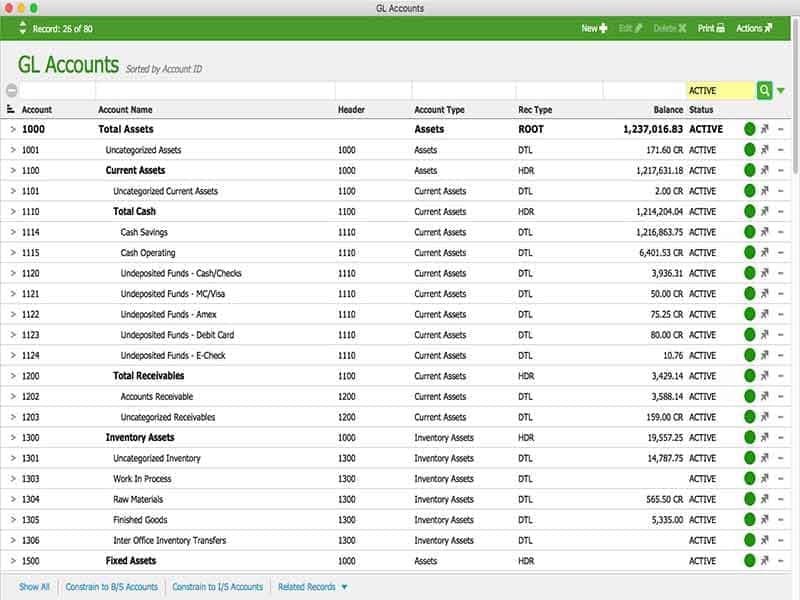
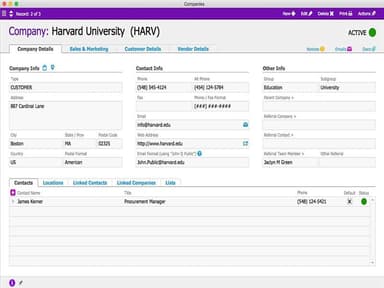
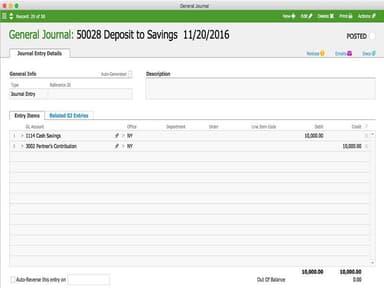
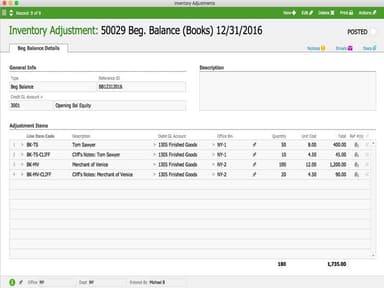
aACE Specifications
- Production Planning
- Inventory Management
- Quality Control
- Supply Chain Management
aACE Features
Accounting
aACE provides multi-entity management, integrated payment processing, sales pipeline tracking, detailed notetaking, sales tax and audit risk reduction, fraud risk reduction, COGS, revenue recognition, budgeting, and recurring transactions.
Customer Relationship Management (CRM)
The CRM module includes scheduling, reminders, sales leads, newsletters, campaigns, comments, activities, emails, attachments, pricing, and commissions to help businesses maintain strong customer relationships.
Enterprise Resource Planning (ERP)
The ERP system in aACE integrates sales and accounting operations, providing a centralized and seamless design for managing daily operations.
Inventory Management
This feature includes material resource planning, auto-updated product costs, reorder and backorder management, serialized inventory, drop shipments, and special orders, streamlining inventory control.
Production Management
aACE offers job tracking, task management, assemblies, scheduling, subcontracted labor management, time entry, inventory entry, and digital asset management to aid in smooth production processes, waste reduction, and improved productivity.
Pros And Cons of aACE
Pros
Cost Effective
Flexible
Scalable
Responsive Technical Support
Cons
Financial Statement Presentation
The System is slow at times, according to some aAce reviews.
aACE Reviews
Total 19 reviews
4.9
All reviews are from verified customers
Rating Distribution
5
Stars95%
4
Stars5%
3
Stars0%
2
Stars0%
1
Stars0%
Share your experience
Machinery, 1-10 employees
More than a year
“aACE covered our needs”
Pros
For us the key was customization. We managed the basics of Accounting, Sales, and Purchases, but more importantly, we tailored it to fit our product specifications, ongoing jobs, and the tracking of raw materials and finished products with associated costs.
Cons
The only issue we faced was during the transition from our original system to the upgrade. However, the customer support team did an excellent job guiding us through the process. It would be great if they could add a Payroll feature.
Rating Distribution
Ease of use
10
Value for money
10
Customer Support
10
Functionality
10
Furniture, 51-100 employees
More than a year
“aACE for the Win”
Pros
Thanks to the fully integrated accounting and inventory modules, various built-in integrations with external systems, and its utilization of the FileMaker Platform, we implemented a robust and highly personalized ERP system at a fraction of the usual cost. We seamlessly integrated aACE with our existing systems, allowing for a controlled and phased transition from our legacy system to the new one, with minimal disruptions to our daily operations.
Cons
I would not necessarily call it a dislike, but my main challenge was simply adapting to a system that had interface conventions different from what I was used to. Initially, the List View paradigm used by aACE seemed unfamiliar but over time, I recognized its inherent benefits.
Rating Distribution
Ease of use
8
Value for money
10
Customer Support
10
Functionality
8
Design, 51-100 employees
More than a year
“aACE replaced 3 pieces of software that we used to run our business.”
Pros
aACE is a used friendly software with a visually appealing interface. It multitasks efficiently, handling accounting processes, business management, CRM accounts, project and task creation, job management, and employee records. Previously, our company relied on FileMaker, QuickBooks, Word and Excel. However,after implementing aACE we no longer use QuickBooks for accounting, Word for proposals, or Excel for extensive reports. Everything is now consolidated within aACE. What I appreciate the most is the interconnectedness of records, allowing easy navigation from client orders to related purchase orders, invoices, tasks, shipments, and more. There are ample tracking capabilities, customizable user preferences, and versatile access privileges. Additionally, the feature for sorting records and fine-tuning searches is quite impressive.
Cons
Since our business operations are quite unique, we often find ourselves needing to create custom fields. This process can be time-consuming and sometimes incur additional costs.
Rating Distribution
Ease of use
10
Value for money
10
Customer Support
10
Functionality
10