


bestPT
Last Updated
Overview
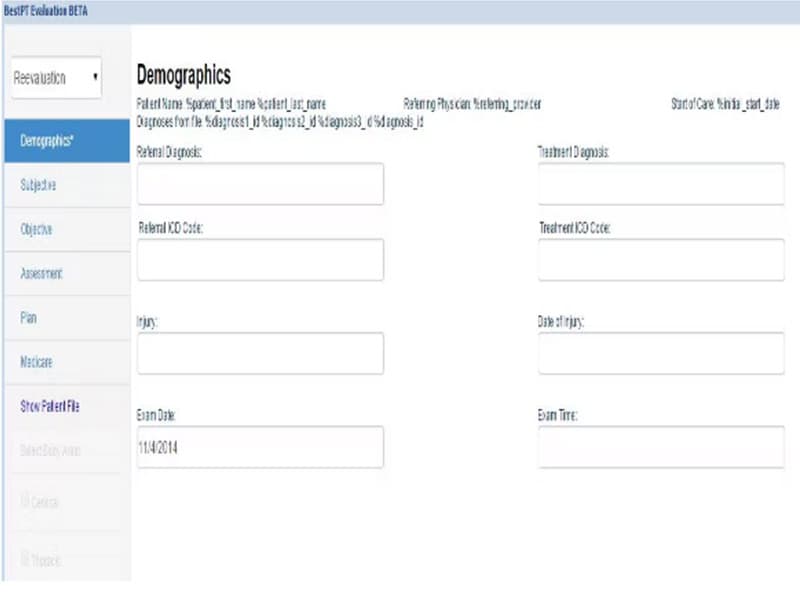
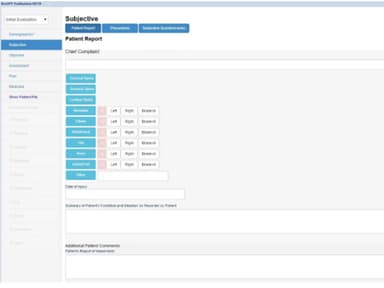
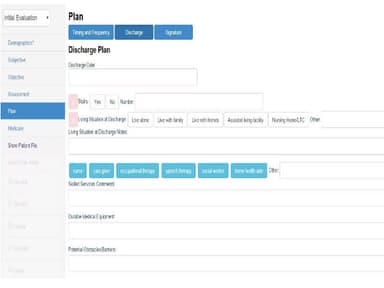
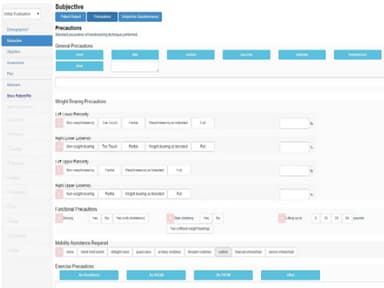
bestPT Specifications
- Appointment Management/Scheduling
- e-Prescriptions
- Lab Integration
- Patient Portal
bestPT Features
Billing Module
The bestPT billing manager helps users integrate billing and claim requests with corresponding patient records. This allows the practice owner to effectively handle process credit cards and cash payments, and establish automated phone reminders. This feature also helps the billing team deal with rejection management.
Patient Scheduling
The patient scheduling feature helps clinics schedule appointments and manage no-shows. The practice management solution also offers an easy-to-navigate calendar interface provides a visual overview of available time slots, reducing no-shows and making it easy to find a suitable appointment time.
Customizable Reports
This feature allows physical therapy clinics to generate reports that provide insights into the various aspects of their clinical operations. These include the areas of financial performance, patient outcomes, and overall practice efficiency.
SOAP Notes And Documentation
bestPT's adaptable documentation notes are designed to be flexible, scaling both visually and contextually to meet the specific needs of your practice. Whether you choose to utilize the comprehensive bestPT documentation suite or transition your traditional paper forms into an optimized digital format, bestPT ensures that your office remains efficient and compliant in today's digital age.
Pros And Cons of bestPT
Pros
Efficient billing procedures that help streamline revenue collection
Easy patient scheduling allows reduction in administrative hassles
Responsive customer support helps solves problems swiftly
Provides an integrated billing module
Cons
The system can look overwhelming for new users
Some of the terms used in the software can be confusing at first
bestPT Reviews
Total 12 reviews
4.6
All reviews are from verified customers
Rating Distribution
5
Stars58%
4
Stars42%
3
Stars0%
2
Stars0%
1
Stars0%
Share your experience
Computer Networking, 500+ employees
“Big Data MPI EHR Solutions with Cloud Enterprise Support”
Pros
I utilized Big Data MPI for researching secure EHR solutions in the cloud. It supported the implementation of tamperproof security protocols for patient healthcare records in the cloud including HIPAAcompliant storage and processing. We explored privacy techniques like crypto coprocessors and homomorphic encryption.
Cons
Deployment wasn't straightforward and it required time to figure out algorithmic blueprints for IaaSPaaS cloud infrastructures.
Rating Distribution
Ease of use
8
Value for money
8
Customer Support
9
Functionality
7
Medical Practice, 51-100 employees
“Niva Health Review”
Pros
The software is user-friendly and offers real-time assistance through instructional videos for common issues. It covers all aspects of business management.
Cons
Despite the provided training, the software can be overwhelming to learn at first.
Rating Distribution
Ease of use
9
Value for money
9
Customer Support
9
Functionality
10
Not Specified, 1-10 employees
“Very helpful service for a great program”
Pros
The customer service is fast and responsive, and the program has multiple ways to access information. The schedule is flexible and easy to modify, with numerous color options available.
Cons
Some of the terminology used in the messaging system can be confusing.
Rating Distribution
Ease of use
10
Value for money
8
Customer Support
9
Functionality
9