


eDentra
Last Updated
Overview
eDentra dental software simplifies practice management, from scheduling to billing. While there is a learning curve, it offers streamlined operations and enhanced patient care. eDentra’s efficiency and comprehensive tools make it a valuable asset for any dental practice, ensuring optimal performance.
eDentra Specifications
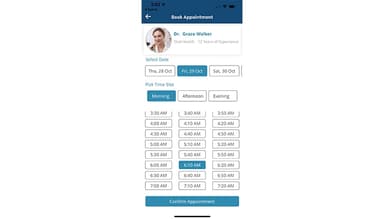
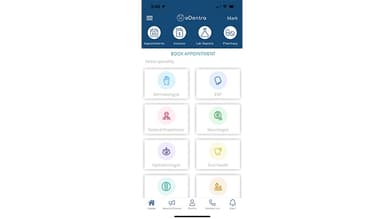
- Appointment Management/Scheduling
- e-Prescriptions
- Lab Integration
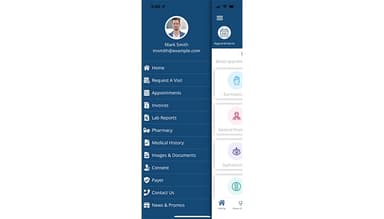
- Patient Portal
eDentra Features
Outpatient Management
eDentra's streamlines patient appointments, records, and follow-ups. It simplifies check-ins and maintains comprehensive patient histories, ensuring efficient patient flow and reducing wait times.
Radiology Management
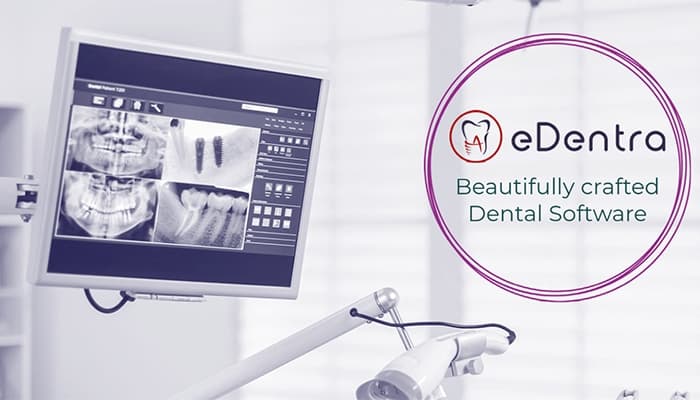
The software integrates imaging processes within the software, allowing easy access to patient radiographs and diagnostic images. This ensures quick retrieval and sharing of images, enhancing diagnostic accuracy and collaboration among dental professionals.
MIS Reports
eDentra generates Management Information System (MIS) reports, providing detailed insights into clinic performance, financial health, and patient demographics. These reports help in informed decision-making and identifying growth opportunities.
Biometric Device Interface
This feature enables seamless integration with biometric authentication systems for secure patient and staff identification. It enhances security, reduces fraud, and speeds up the check-in process.
Analytics and Dashboards
The software offers comprehensive analytics and interactive dashboards that visualize key performance metrics and trends. This helps dental practices monitor productivity, patient outcomes, and financial performance in real-time.
Pros And Cons of eDentra
Pros
Security and Compliance
Easy to navigate
User-friendly interface
Excellent customer support
Mobile app
Cons
Glitches might take time to fix
Updates might be slow
Limited Customization Options
eDentra Reviews
Total 1 reviews
5
All reviews are from verified customers
Rating Distribution
5
Stars100%
4
Stars0%
3
Stars0%
2
Stars0%
1
Stars0%
Share your experience
Healthcare, 11-50 employees
More than a year
“Efficient and user friendly”
Pros
Since we started using eDentra, our dental practices workflow has become much better. The softwares intuitive interface is user friendly and we able to run it in no time. Another standout features is the appointment scheduling system which is robust and has notably reduced the number of no-shows, keeping our daily operations smooth. The patient record system is also excellent. Moreover it is comprehensive and easily accessible which allows us to provide better care.
Cons
The billing module is quite complex and requires some time to get used to. Customer support team is not knowledgeable and lacks professionalism.
Rating Distribution
Ease of use
9
Value for money
8
Customer Support
10
Functionality
10
Frequently Asked Questions
Does eDentra offer an API?
Yes, eDentra offers an API.
What language does eDentra support?
eDentra supports English.
What other apps does eDentra integrate with?
eDentra integrates with SAP, Tally and Quickbooks.
Does eDentra support mobile devices?
Yes, eDentra supports iOS and Android devices.
What types of pricing plans does eDentra offer?
Users can get a tailormade quote for their businesses.
Who are the typical users of eDentra?
The typical users of eDentra are businesses in the dental industry.
What level of support does eDentra offer?
eDentra offers email, helpdesk, chat, Knowledge Base and phone support.