

Checkmate
Last Updated
Overview
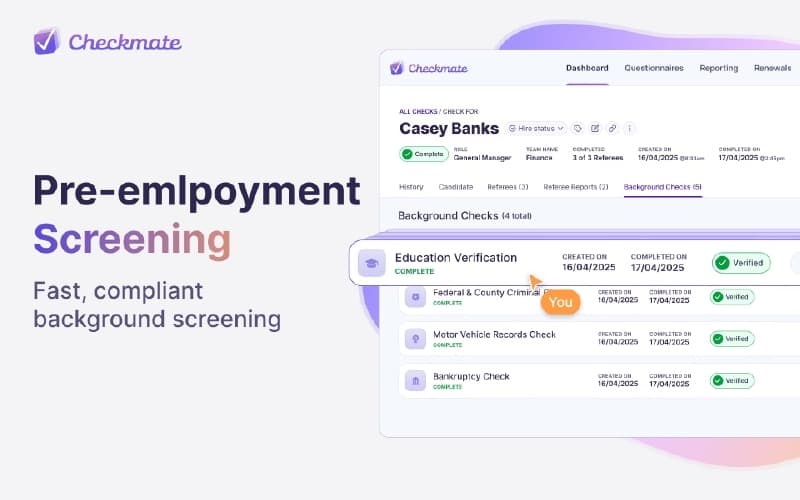
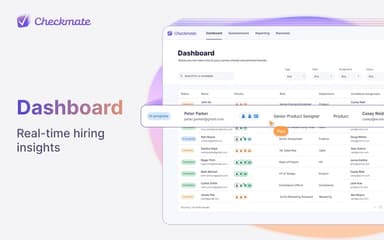
Checkmate streamlines project management with intuitive dashboards, real-time collaboration, and support for Agile, Waterfall, or custom methodologies. While reporting customization is somewhat limited, it helps mid-sized and enterprise teams efficiently organize tasks, track project progress, coordinate multiple projects, and manage resources effectively for clear oversight and smoother workflows.
Be the first one to leave a review!
No review found

Starting Price
Custom

Checkmate Specifications
- Task Management
- Reporting
- Mobile App
- Dashboard
Checkmate Features
User-Friendly Interface
The software provides a clean and intuitive interface that allows teams to manage projects effortlessly. Users can quickly adapt to its design, navigate tasks efficiently, reduce complexity, and enhance productivity while ensuring smooth coordination across all team members and project stages.
Data Migration
This feature allows users to transfer data effortlessly between CheckMate and other platforms. It ensures smooth import and export processes, prevents workflow interruptions, maintains data integrity, and supports project management continuity, enabling teams to transition tools without losing essential information.
Methodology Support
CheckMate software offers support for multiple project methodologies, including Agile, Kanban, Waterfall, and custom approaches. Teams can adapt processes to their preferred style, manage tasks according to each methodology, and ensure project workflows run efficiently without constraints or procedural disruptions.
Flexible Deployment
Users can deploy CheckMate either on-premise or via the cloud, depending on organizational needs. This feature allows teams to choose secure, in-house setups or collaborative cloud solutions, maintaining project flexibility while supporting data access, security requirements, and team collaboration across locations.
Team Collaboration
This feature enables teams to collaborate in real time with shared task views and updates. Users can track progress, align on priorities, exchange information instantly, and coordinate project activities efficiently, ensuring smooth communication and collective ownership of tasks throughout the project lifecycle.
Pros And Cons of Checkmate
Pros
Automation significantly reduces administrative workload
Seamless system with minimal disruptions
Reduces manual follow-ups with referees
Cons
Fewer detailed reporting insights are available
Compliance outputs are not easily tailored
Checkmate Reviews

No reviews yet!
Be the first to review this product
Frequently Asked Questions
Does Checkmate have a mobile app?
No, Checkmate does not have a mobile app.
What other apps does Checkmate integrate with?
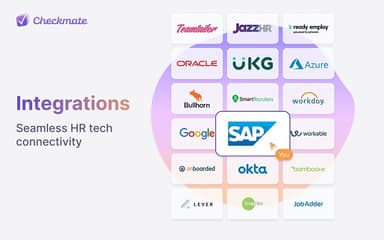
Checkmate integration details have not been provided by its vendor.
What language does Checkmate support?
Checkmate primarily supports the English language.
Who are the typical users of Checkmate?
Checkmate features are mainly used by businesses engaged in industries and sectors, including manufacturing, government, information technology, healthcare, insurance, legal, and financial.
What types of pricing plans does Checkmate offer?
Checkmate pricing ranges from $10 to $200/user/month, depending on users, deployment, and implementation needs. Get in touch for a personalized Checkmate price estimate.
Does Checkmate offer an API?
API details are not specified by the vendor.
What level of support does Checkmate offer?
Checkmate provides support through phone, email, and online form.