


eTurns
Last Updated

Overview
eTurns software is a contemporary vendor management inventory (VMI) application that empowers distributors to restock their customers' stockrooms and truck inventories efficiently. Leveraging eTurns for optimal results can be challenging initially. While it may not be intuitive initially, mastering its functionalities over time makes usage more straightforward.
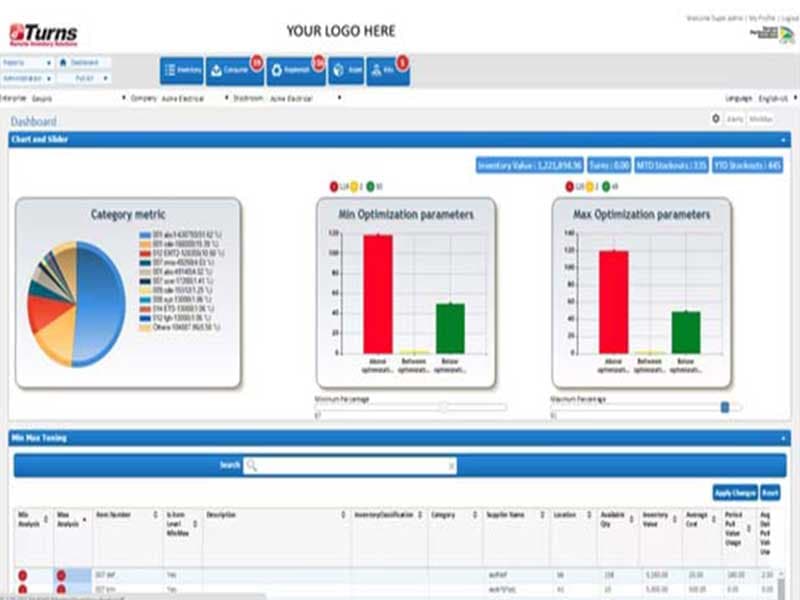
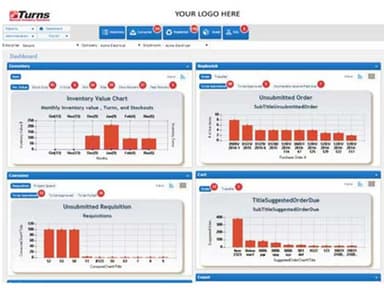
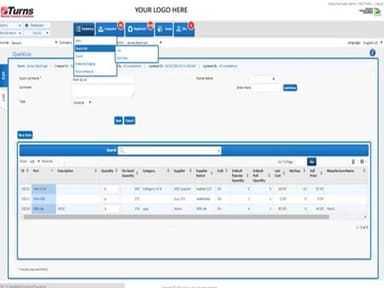
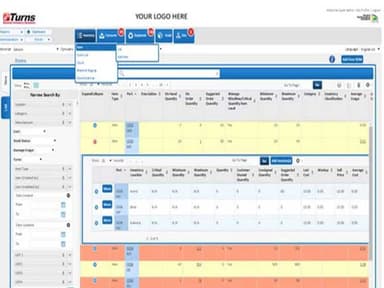
eTurns Specifications
- Accounting
- Project Scheduling
- Project Tracking
- Document Management
eTurns Features
Inventory Reports
Using the robust dashboard to optimize inventory, eTurns tells you how much cash can be taken out of inventory and how much it costs to keep inventory for a year. The eTurns software also sends email alerts about orders and stock status. The point-of-use inventory data from eTurns construction software helps distributors make the most of their distribution centers. It tells them what will be ordered, how much, and when. Overall, eTurns eliminates forecasting errors for distributors by figuring out demand based on how customers use their products, not on what they have ordered in the past.
Kitting
Using a single part number to order or pull more than one item at once is a great way to get more done. With eTurns' Kitting Module, you can put together simple kits to keep in stock. If you want to build more complex kits, eTurns will tell you exactly how many of any kits you can construct right now based on the number of each item you have in stock. You can also restock kits with min/maxes.
Tool Management
Even for standard tools like hammers and extension cords, many contractors want to know who has their tools. It is easy to do with the eTurns Tool Module. The software gives each tool a unique number and tracks who has checked them in and out. Moreover, you can keep track of more expensive tools and have their serial numbers to know who had them last. In addition, if they need to be calibrated, eTurns stops them from being checked out until they have been fixed and put back into inventory.
eTurns Reviews
Total 25 reviews
4.4
All reviews are from verified customers
Rating Distribution
5
Stars52%
4
Stars36%
3
Stars8%
2
Stars4%
1
Stars0%
Share your experience
Construction, 500+ employees
More than a year
“Need to be more user friendly”
Pros
I have the capability to manage and control the inventory directly on my own.
Cons
I often find the instructions hard to read and sometimes difficult to locate.
Rating Distribution
Ease of use
7
Value for money
7
Customer Support
10
Functionality
5
Automation, 500+ employees
More than a year
“eturns review from 3rd shift quality lead”
Pros
I really appreciate how easy eTurns is to use. It's so easy to remember how to navigate it even if I haven't used it for some time.
Cons
I appreciate everything about eTurns. I haven't encountered any problems with the website so far.
Rating Distribution
Ease of use
10
Value for money
10
Customer Support
10
Functionality
10
Construction, 500+ employees
More than a year
“Eturns Review”
Pros
The system is really easy to navigate, and I quickly get comfortable with it.
Cons
I've faced issues with inventory management, like pulls not registering or count adjustments not updating, which made it hard to maintain an accurate count.
Rating Distribution
Ease of use
9
Value for money
6
Customer Support
6
Functionality
9